Ten years of climate
Temperature, sea, sun and rain days for every month, measured, not guessed. You see how your trip will feel before you go.

Published October 4, 2026 · HolidayWow editors · Written with AI, numbers checked against our data ·
A day-by-day itinerary planner turns a trip idea into a clear vacation schedule. With HolidayWow, you describe the destination, month, group, pace, and budget, then see each day mapped with stops, routes, and travel time. You can adjust the order, lighten a busy day, add dates, share the plan, and keep every booking detail together.
A day-by-day itinerary planner gives every part of your vacation a place and purpose. Instead of saving scattered ideas, you can arrange mornings, afternoons, and evenings into a schedule that works for your group. HolidayWow reads your trip description in one sentence or accepts voice input, then turns the destination, month, group, pace, and budget into an editable plan.

The result is map first. Each day becomes a route, each stop appears as a pin, and each leg shows its travel time. That view makes the shape of your vacation easy to understand before you leave home. A relaxed day can have one or two stops, a balanced day can hold two or three, and a packed day can move through three to five stops.
Start with the trip you want to take. Tell HolidayWow something such as, "A week in Hawaii with the kids in spring break." The planner identifies Hawaii, spring break, a family group, and a week, then gives you a structure to refine. You can begin with a month and add exact dates later if your plans are still taking shape.
 HawaiiiPhoto: E bailey · CC BY-SA 4.0 · Wikimedia Commons
 HawaiiiPhoto: Frank Schulenburg · CC BY-SA 3.0 · Wikimedia Commons
Choose a pace that matches the vacation. Set relaxed, balanced, or packed travel for the whole trip, or adjust the pace on an individual day. The planner then places the stops and connects them into a route. This makes a daily itinerary planner useful for a slow family vacation, a city break, or a trip with a little more energy.
HawaiiiPhoto: E bailey · CC BY-SA 4.0 · Wikimedia CommonsHawaiiiPhoto: Frank Schulenburg · CC BY-SA 3.0 · Wikimedia Commons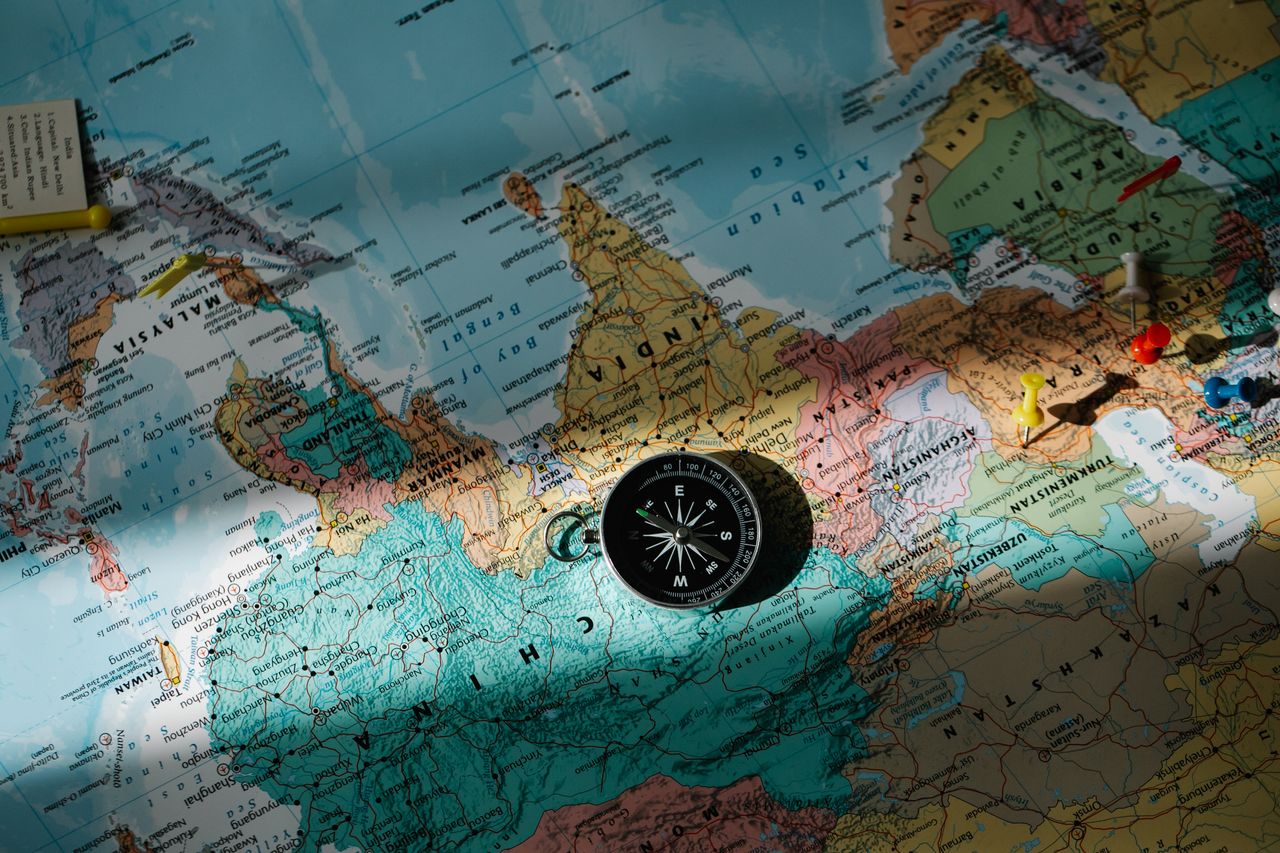
A useful daily itinerary gives the day a natural rhythm. Start with a morning activity in one area, group the next stop near it, and leave enough space to move between pins. In the afternoon, choose a central place for the main activity or meal. End the evening close to your stay so the route remains comfortable after a full day.
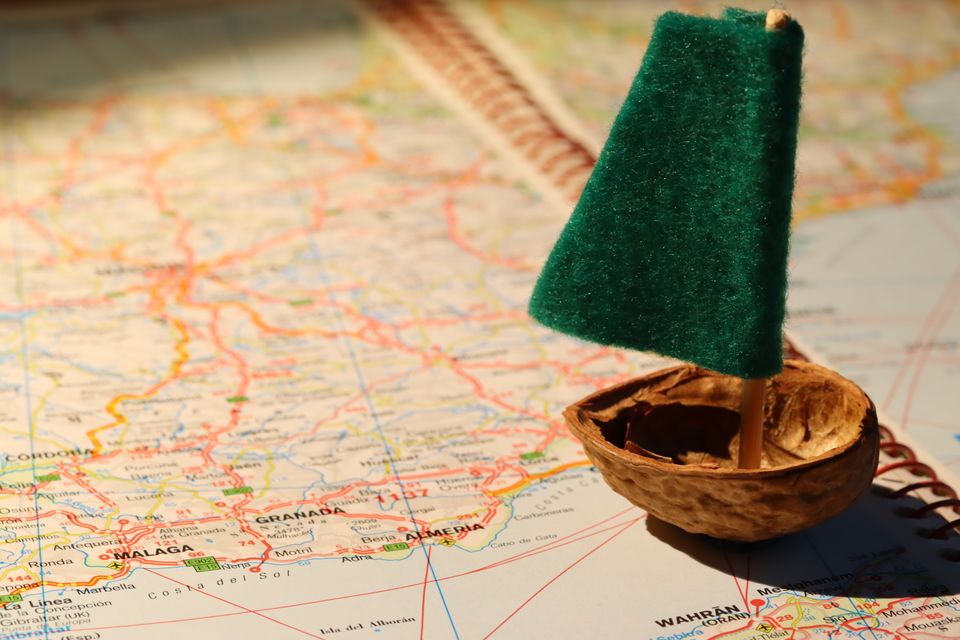
HolidayWow makes this easier because each leg displays its travel time. You can see when a sequence creates unnecessary movement and move a stop to another day with a drag. The plan checker reorders the day after each change, keeping the route connected as your choices change.
New trip


When, who with, what matters and what's a no. No form, no ten filters. HolidayWow understands the dates, budget, departure point, pace and wishes from one sentence.

New trip
Every idea comes with a total price and a clear answer to why it fits you: weather, flight time, beaches, food, short distances.

Your trip ideas
Sicily
Food · small towns · sea
7 days for 2
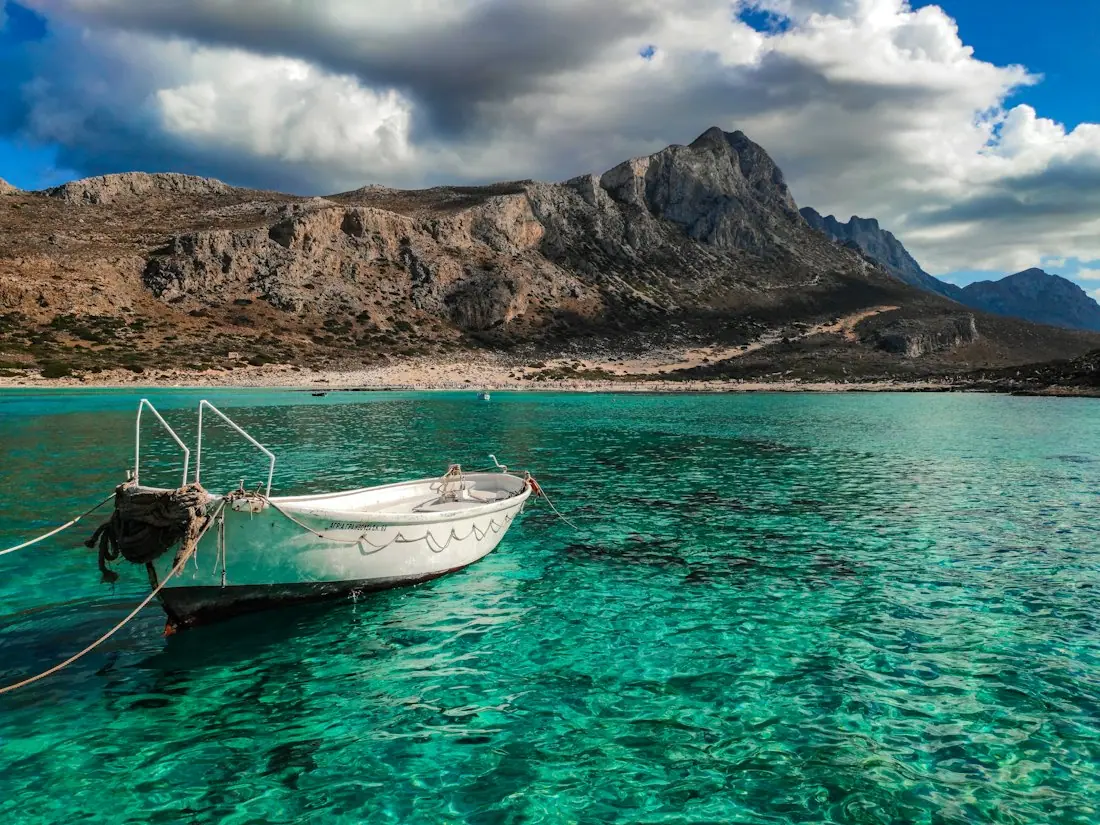
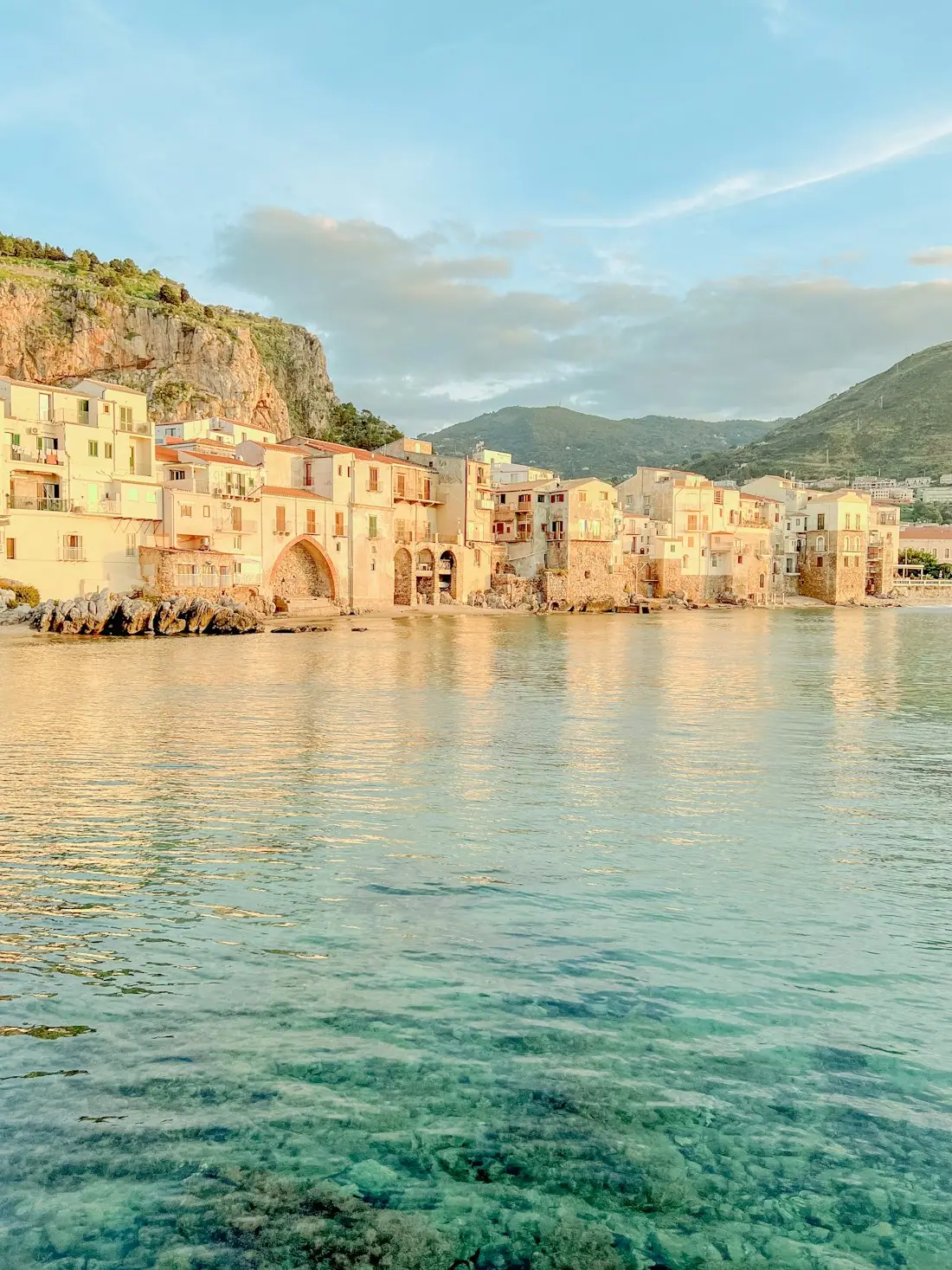
Crete
Sea · tavernas · nature
7 days for 2
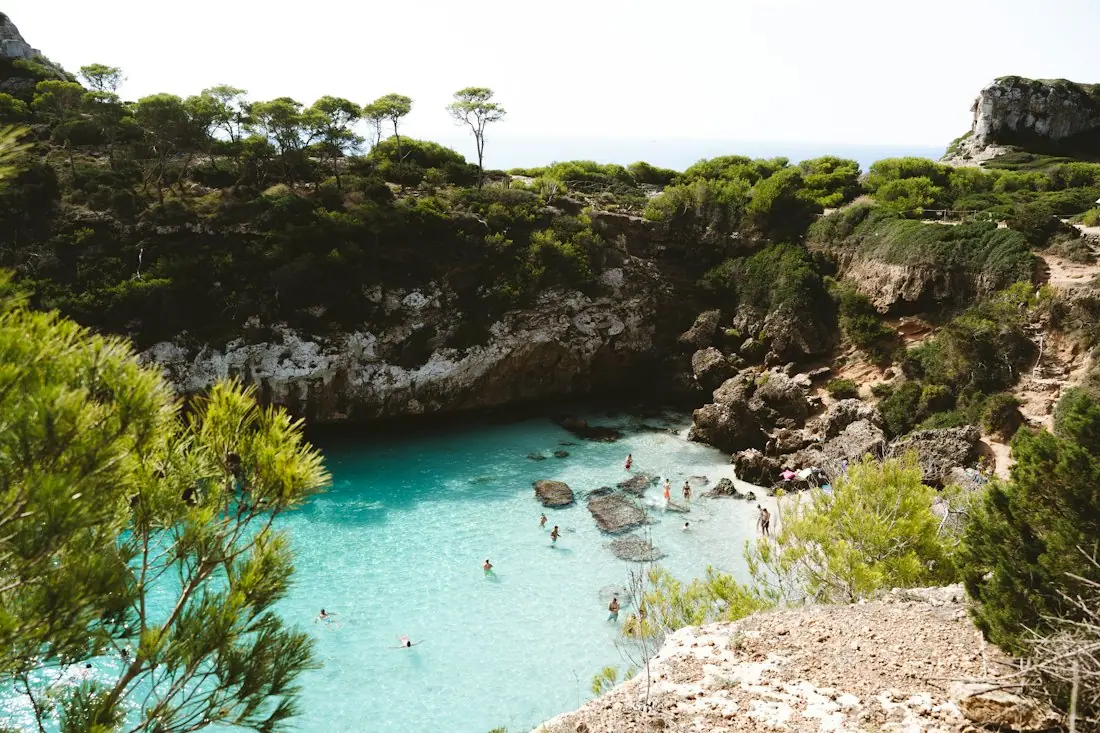
Mallorca
Sea · comfort · short distances
7 days for 2
Arrival, transfer, check-in, sunset, dinner. Just say “make it cheaper” or “no rental car” and the trip adapts.

Day 1
Arrival
Arrival in Heraklion Transfer · 35 minCheck-in by the sea
 Sunset
 Taverna at the harbor
Rain on the way? Then the beach day becomes a day at the market and a museum. Flight status, weather and your day plan in one place.

Day 3 · boat trip
Imagine a September trip to New Orleans with a balanced pace. The climate data for this example shows a daytime temperature of 85 °F, a nighttime temperature of 76 °F, sea temperature of 83 °F, 8 sunshine hours, and 14 rain days. You can use those monthly details when deciding how outdoor moments fit around your day-by-day plan.
 New OrleansiPhoto: thepipe26 · CC BY 2.0 · Wikimedia Commons
These live distance details help you shape the travel side of the trip while the map handles the daily stops. You can place a relaxed morning in one neighborhood, a central afternoon, and an evening near your stay.
New OrleansiPhoto: thepipe26 · CC BY 2.0 · Wikimedia Commons
Travel plans gain their shape through small decisions. You may decide that a family needs a lighter afternoon, that a museum belongs on a rainy day, or that one hotel should serve as the base for the whole visit. Drag a stop to another day, swap a place, or ask the side-panel assistant to change the plan. The assistant knows what you selected and uses the same planning actions as the buttons.
The plan stays connected to your trip. Add dates later and each day card gains its weekday, live weather, and live prices. A packing list and checklist are built from the plan, the month, and the climate where you are going. A document vault keeps passports, tickets, and confirmations with the trip they belong to.
The daily itinerary also gives you a place to organize the practical parts of the trip. Stays, tours, and transport come from partners such as Booking.com, GetYourGuide, Viator, Trip.com, and flight partners. The page shows live partner prices or a "Check live price" button, so your plan is connected to current availability rather than an estimate.
You can book through partner links in your language and currency. A trip budget uses your home currency, with price watch for stays and tours and cost splitting for groups. These tools sit beside the day plan, which helps you compare choices before committing and keep the itinerary aligned with the trip you are funding.

Temperature, sea, sun and rain days for every month, measured, not guessed. You see how your trip will feel before you go.
Nonstop flights, flight times and transfers from 12 US airports, worked out from your door to the hotel.

Flights, hotel, transfers and experiences in one sum for everyone traveling, with the provider and when the price was checked. No teaser prices.

Planning is easier when everyone can see the same schedule. One link opens the same plan for your group, with roles for viewers and editors. Group members can vote and comment, so a choice about a stop or a day can happen in one shared place. The trip film also presents the plan as a short film on the map, including the flight arc, bases, and each day.

Large text and voice input support different planning styles. You can describe a change aloud or ask for a larger view while editing on the move. The shared plan remains useful from the first planning conversation through the trip itself, with the route and day cards available for reference.
For US travelers, the holiday planner is the PTO planner. It uses public holidays and leave days to help turn available time into longer trips. Spring break, summer vacation, Thanksgiving, and Christmas break are useful planning moments for families, and a typical leave day pattern is 11 days. Start with the month if dates are still flexible, then place the days when your leave is confirmed.

The same approach works for a long weekend, a family spring break trip, or a December holiday in Hawaii. A month-based plan gives you room to shape the daily structure, while dates later add weekday context and live details. The app is free to download and to plan with.

A day-by-day itinerary works best when it gives you enough structure to feel prepared and enough flexibility to enjoy the trip. HolidayWow turns a simple sentence into a mapped schedule, with stops, routes, travel times, pace controls, live prices, and tools for sharing. You can plan a relaxed day, build a balanced route, or make a packed itinerary for a destination where you want to see more.
Start with the place, month, and people in your group. Review the map, choose the pace, and shape the morning, afternoon, and evening around the way you want to travel. From there, the daily itinerary planner can grow with your ideas, changes, bookings, and group decisions.
A day-by-day itinerary planner organizes a trip into daily routes with stops, travel times, and an editable schedule. HolidayWow builds this map from a sentence or voice description and lets you adjust the pace, move stops, swap places, and add dates later.
Yes. You can begin with a month and shape the daily plan before dates are set. When you add dates, each day card receives its weekday, live weather, and live prices through the connected planning tools.
Yes. Drag a stop to another day, swap a place, or make a day lighter. The plan checker reorders the day after each change, while the side-panel assistant can make requested changes through the same planning actions.
HolidayWow brings stays, tours, and transport from partners and shows the current partner price or a "Check live price" button. Booking links work in your language and currency, while the trip budget supports price watch and cost splitting.
Yes. Share one link so everyone sees the same plan. You can assign viewing and editing roles, invite group members to vote and comment, and play the plan as a short trip film on the map.
Choose relaxed, balanced, or packed travel for the trip or for an individual day. Relaxed days have one or two stops, balanced days have two or three, and packed days have three to five.
Your next trip

Describe your trip in one sentence. When, who with and what matters to you.

Where it's warm right now, real fare finds from your airport, the best PTO days for your state and a ready-made trip to take over.