Ten years of climate
Temperature, sea, sun and rain days for every month, measured, not guessed. You see how your trip will feel before you go.

HolidayWow is a best time to travel planner that turns your destination and preferred month into a map-based holiday. Compare temperatures, sunshine, rain days and sea conditions, then shape the trip around your group, pace and budget. The app is free to download and use for planning.
HolidayWow helps you choose a month using climate data rather than a vague seasonal label. It covers day and night temperatures, sea temperature, sunshine hours and rain days for every month. The sea figures give coastal holidaymakers an extra signal, while inland trips can focus on daily temperatures and rainfall.

Climate information comes from NASA POWER for air data and NOAA OISST for sea data. These are historical monthly measures, so they provide a consistent basis for comparing destinations. They also help you match the month to the experience you want, from warm swimming to comfortable walking or a winter city break.
The choice then becomes part of a practical holiday plan. Tell HolidayWow the destination, month, travellers and broad budget in a sentence or by voice. It reads the place, timing, group, pace and budget, then builds the first version on a map where each day has stops and connecting legs.
Start with the kind of holiday you have in mind. A sentence such as “Venice in July with a relaxed pace” gives the planner useful context, while precise dates can be added later. Dates are optional, so a month-first decision works well when school holidays, annual leave or group availability still need checking.
Once the month is chosen, HolidayWow places the daily route on a map. Every stop appears as a pin, making the shape of the holiday easy to understand. Choose relaxed, balanced or packed pacing for the whole trip, or adjust individual days as the plan takes shape.
Live weather and live prices appear on the day cards when dates are added. This keeps seasonal climate figures distinct from the current information you use for final decisions. The plan remains editable, so changing the month or the pace leads you towards a holiday that reflects the latest information.
July in Venice offers a useful contrast with December in Marrakech. Venice has average daily and night temperatures of 29 °C and 23 °C, a sea temperature of 25 °C, 11 sunshine hours and 12 rain days. These figures favour a warm city itinerary with room for slower pauses and time near the water.
 MarrakechiPhoto: Petar Milošević · CC BY-SA 4.0 · Wikimedia Commons
Marrakech in December has daily and night temperatures of 19 °C and 7 °C, with 8 sunshine hours and 5 rain days. It has no sea temperature in the example, which makes the comparison clearer: the useful measures here are the cooler evenings, the lower daytime figure and the monthly rainfall pattern.
The planner lets you hold the climate difference and the journey context together while you decide which kind of month suits your group.
MarrakechiPhoto: Petar Milošević · CC BY-SA 4.0 · Wikimedia CommonsNew trip


When, who with, what matters and what's a no. No form, no ten filters. HolidayWow understands the dates, budget, departure point, pace and wishes from one sentence.

New trip
Every idea comes with a total price and a clear answer to why it fits you: weather, flight time, beaches, food, short distances.

Your trip ideas
Sicily
Food · small towns · sea
7 days for 2
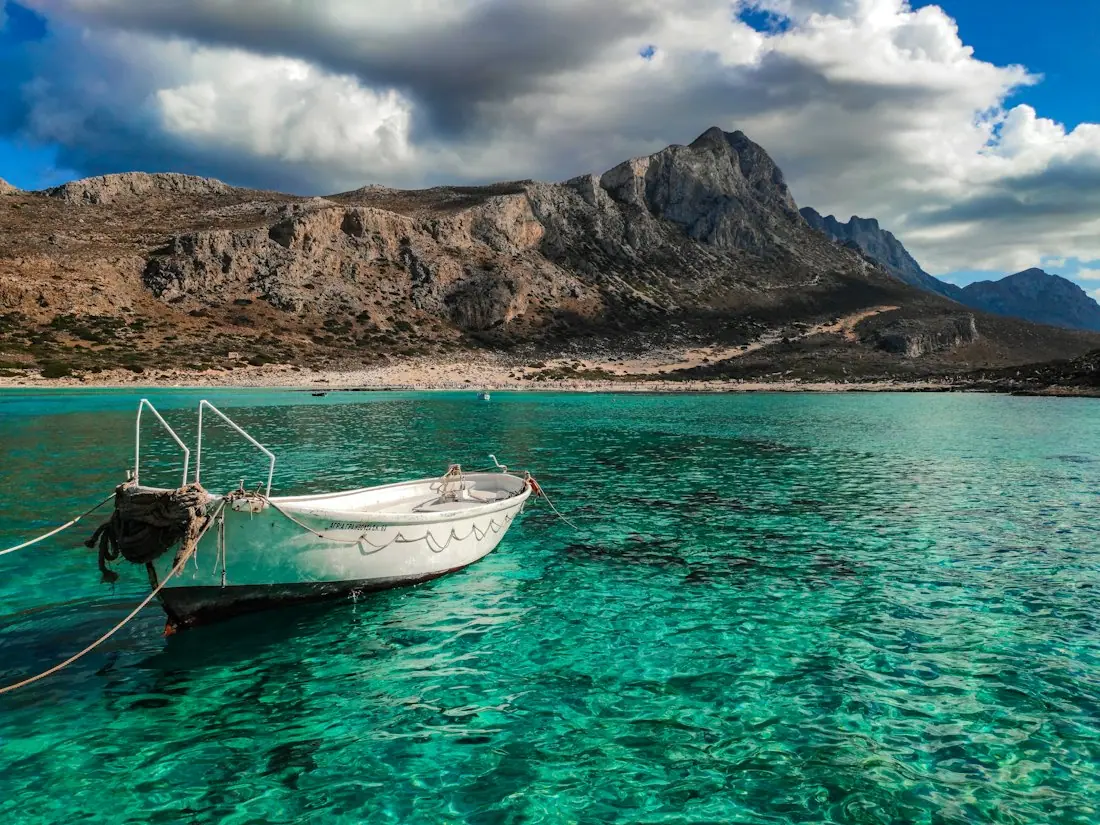
Crete
Sea · tavernas · nature
7 days for 2

Mallorca
Sea · comfort · short distances
7 days for 2
Arrival, transfer, check-in, sunset, dinner. Just say “make it cheaper” or “no car hire” and the trip adapts.

Day 1
Arrival
Arrival in Heraklion Transfer · 35 minCheck-in by the sea
 Sunset
 Taverna at the harbour
Rain on the way? Then the beach day becomes a day at the market and a museum. Flight status, weather and your day plan in one place.

Day 3 · boat trip
May gives the Lake District an average day temperature of 13 °C and a night temperature of 7 °C. The month records 7 sunshine hours and 16 rain days, so a flexible outdoor itinerary can make good use of changing conditions. A relaxed route with editable stops gives you room to respond to the day.
 Lake DistrictiPhoto: Diliff · CC BY-SA 3.0 · Wikimedia Commons
The planner can build the holiday around a specific pace and then lighten or expand individual days. You can drag a stop to another day, swap a place or ask the side-panel assistant to revise the selected part of the trip. The plan checker re-orders the day after each change.
These live distance markers provide context while the climate panel guides the monthly choice. The resulting plan is ready for further edits, group comments and date-led weather checks.
Lake DistrictiPhoto: Diliff · CC BY-SA 3.0 · Wikimedia Commons
October in Menorca combines a daily average of 22 °C with a night average of 20 °C. The sea temperature is 22 °C, alongside 7 sunshine hours and 10 rain days. Those figures make this example useful for a warm coastal plan with comfortable evenings and time for the water.
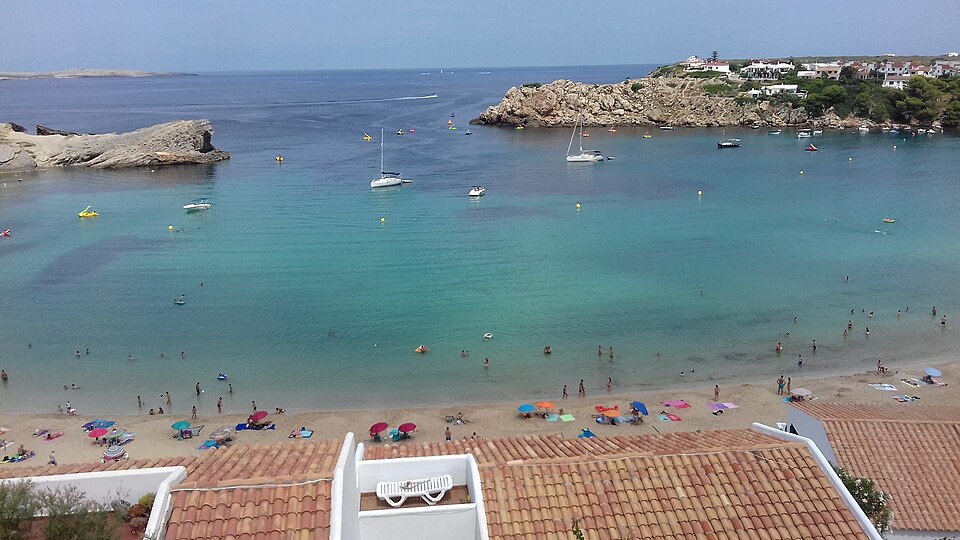 MenorcaiPhoto: Cash2013 · CC BY-SA 4.0 · Wikimedia Commons
A coastal choice is about more than daytime heat. Sea temperature gives you another lens for beach days, while night temperatures help with evening meals and walks after sunset. Sunshine and rain-day figures provide a balanced view for deciding how much time to spend outdoors and how often to vary the route.
You can keep those markers beside the climate decision, then use the map to plan bases and daily stops. Adding dates brings current weather and current partner prices into the relevant day cards.
MenorcaiPhoto: Cash2013 · CC BY-SA 4.0 · Wikimedia CommonsThe best month can depend on your work and family calendar as well as the destination climate. The Bank Holiday planner uses official UK holiday data to connect public holidays with leave days, helping you form a longer trip from the time already available. The examples include half term, Easter holidays, summer holidays and Christmas holidays.
A typical annual leave allowance in the UK is 28 days. Your own circumstances may differ, so use the holiday planner to test the practical shape of a break before setting the pace too tightly. A family month may need quieter days, while a city holiday can support a busier sequence of central stops.
Once you identify a workable window, type or say the destination and month. The plan can remain month-led while dates are negotiated. Add exact dates later to give each day its weekday, live weather and live prices without rebuilding the holiday from the beginning.

Temperature, sea, sun and rain days for every month, measured, not guessed. You see how your trip will feel before you go.
Direct flights, flight times and transfers from 9 UK airports, worked out from your door to the hotel.

Flights, hotel, transfers and experiences in one sum for everyone traveling, with the provider and when the price was checked. No teaser prices.

Choosing a month is the first stage of budgeting. HolidayWow then brings stays, tours and transport into the same plan through partner links in your language and currency. Available options show a live price or a “Check live price” button, keeping the booking step connected to the route you have chosen.

For a longer trip, a budget in your home currency helps you see the main commitments together. Price watch is available for stays and tours, while groups can split costs within the plan. The map also provides context for choosing bases and understanding the distance between daily activities.
Live prices can change as you make decisions, so return to the relevant card when you are ready to book. Partner booking takes place inside the plan through the available links. Documents, confirmations and tickets can then be kept in the document vault with the holiday they belong to.
Begin with destination and month, then add the details that shape the journey: who is travelling, the desired pace and the budget. The planner can read these from a sentence or voice input. Large text is also available, making the planning interface comfortable to use.
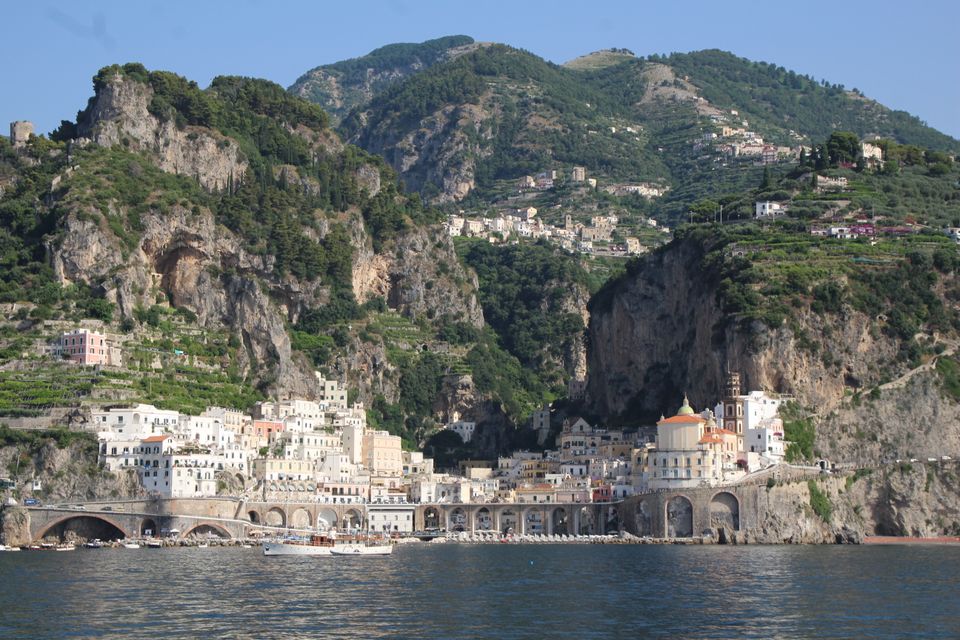
Review the map before committing to bookings. Drag stops between days, exchange places and ask the assistant to change a selected day, stop or moment from the trip film. Each update passes through the same planning actions used by the controls, and the plan checker keeps the daily order organised.
One link opens the same trip for your group. Members can have viewing or editing roles, vote on options and leave comments. The trip film presents the flight arc, bases and days on the map, giving everyone a shared picture of the route. Download the app and start with a month to see where the planning takes you.
It is a tool for choosing a travel month using monthly climate information and turning that decision into an editable holiday. HolidayWow compares day and night temperatures, sea temperature, sunshine hours and rain days, then places your days and stops on a map.
Start with the conditions that matter to your trip. Warm coastal travellers may prioritise sea temperature, walkers may look closely at rain days and sunshine, and city visitors may value comfortable evenings. UK school holidays, Bank Holidays and annual leave add the practical timing.
Yes. A destination and month are enough to begin, and you can add dates later. Once dates are present, each day card receives its weekday, live weather and live prices, giving you more detail at the stage when it is useful.
The planner is designed around editable plans. You can change the holiday brief, adjust the pace, move stops between days, swap places and make individual days lighter. The plan checker re-orders the day after each change.
HolidayWow uses NASA POWER for air data covering 2006 to 2025 and NOAA OISST for sea data covering 1991 to 2020. The monthly figures cover temperatures, sunshine and rain days, with sea temperature included for coastal destinations.
Yes. Stays, tours and transport appear through partner links in your language and currency, using live prices or a “Check live price” button. Booking happens through those partner links, while your itinerary, budget and travel documents stay connected to the plan.
The app is free to download and free to plan with. Optional partner prices are shown live, and the planner includes a trip budget, price watch, cost splitting, packing lists, checklists and a document vault.
Your next trip

Describe your trip in one sentence. When, who with and what matters to you.

Where it's warm right now, real fare finds from your airport, bank holiday breaks for your nation and a ready-made trip to take over.