Ten years of climate
Temperature, sea, sun and rain days for every month, measured, not guessed. You see how your trip will feel before you go.
Published October 5, 2026 · HolidayWow editors · Written with AI, numbers checked against our data ·
Plan a trip with Google Maps lists by using saved places as research, then turn your ideas into an ordered route for each day. HolidayWow reads your destination, month, group, pace and budget, then places the stops on a map with travel times, editable days, live prices and tools for Canadian long weekends.
A Google Maps trip planner workflow starts with places worth remembering. Google Maps lets you save places to lists and build custom maps in My Maps. That makes it useful for gathering restaurants, sights, neighbourhoods and other stops before deciding what belongs in each day. HolidayWow suits the next stage: it turns the trip idea into a sequence that makes geographic sense.
Describe the vacation in a sentence or use voice input. The HolidayWow planner reads the place, month, group, pace and budget from your words. It then creates a map-first plan with a route for every day, a pin for each stop and travel time for each leg. You can start with a month and add exact dates later, when each day card can also show its weekday, live weather and live prices.
Saved places answer what interests you, while an itinerary also needs workable days. HolidayWow connects the stops by route rather than leaving them as separate pins. Each travel leg shows its travel time, so you can see how the choices fit together. The resulting plan is easier to scan, edit and share than a growing collection of places with no sequence.
Three travel paces help set the rhythm. Choose relaxed for one or two stops a day, balanced for two or three stops, or packed for three to five. Apply the pace across the trip or change an individual day as plans develop. The map remains the organising centre while the day cards explain where everyone is headed and what sits between each stop.

Picture a May family vacation built around the beaches and neighbourhoods of Puerto Vallarta. From Toronto, Puerto Vallarta is 3,488 km away, while Vancouver is 3,552 km away. The city example provides useful context for choosing clothing and daily activities: May has a daytime temperature of 33 °C, a nighttime temperature of 20 °C and a sea temperature of 27 °C.
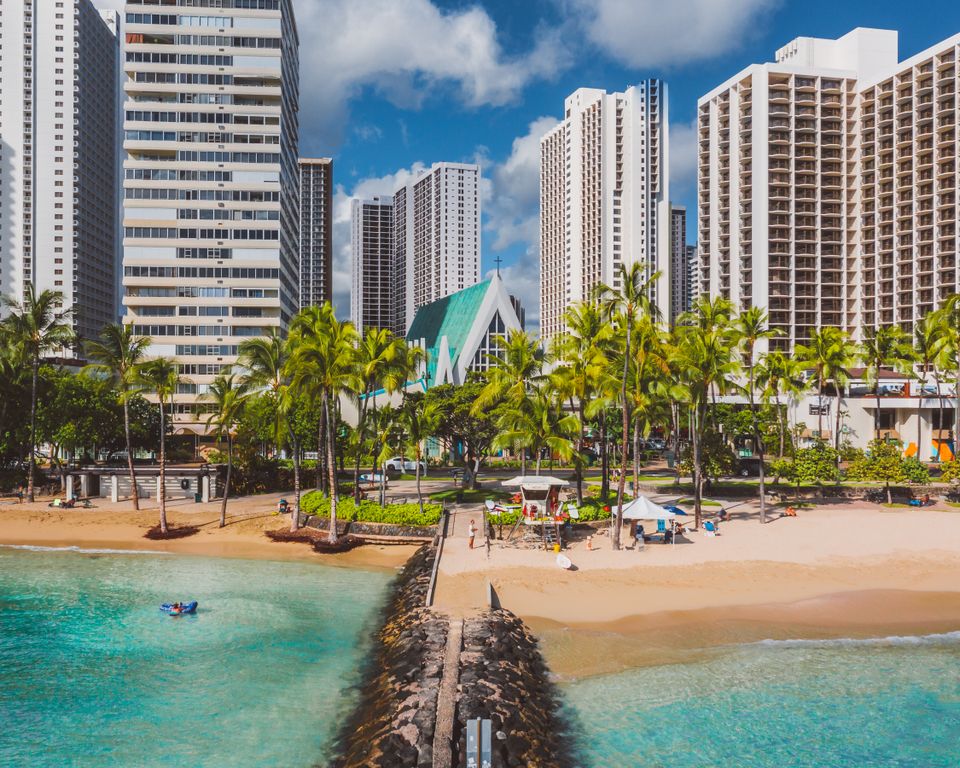
The month also records 11 sunshine hours and three rain days. You could use a balanced pace for two or three stops each day, keeping time for the waterfront and placing a lighter day after an energetic outing. Climate data gives you a dependable monthly picture, while live weather on dated day cards adds current conditions when you add dates to the trip.
New trip


When, who with, what matters and what's a no. No form, no ten filters. HolidayWow understands the dates, budget, departure point, pace and wishes from one sentence.

New trip
Every idea comes with a total price and a clear answer to why it fits you: weather, flight time, beaches, food, short distances.

Your trip ideas
Sicily
Food · small towns · sea
7 days for 2
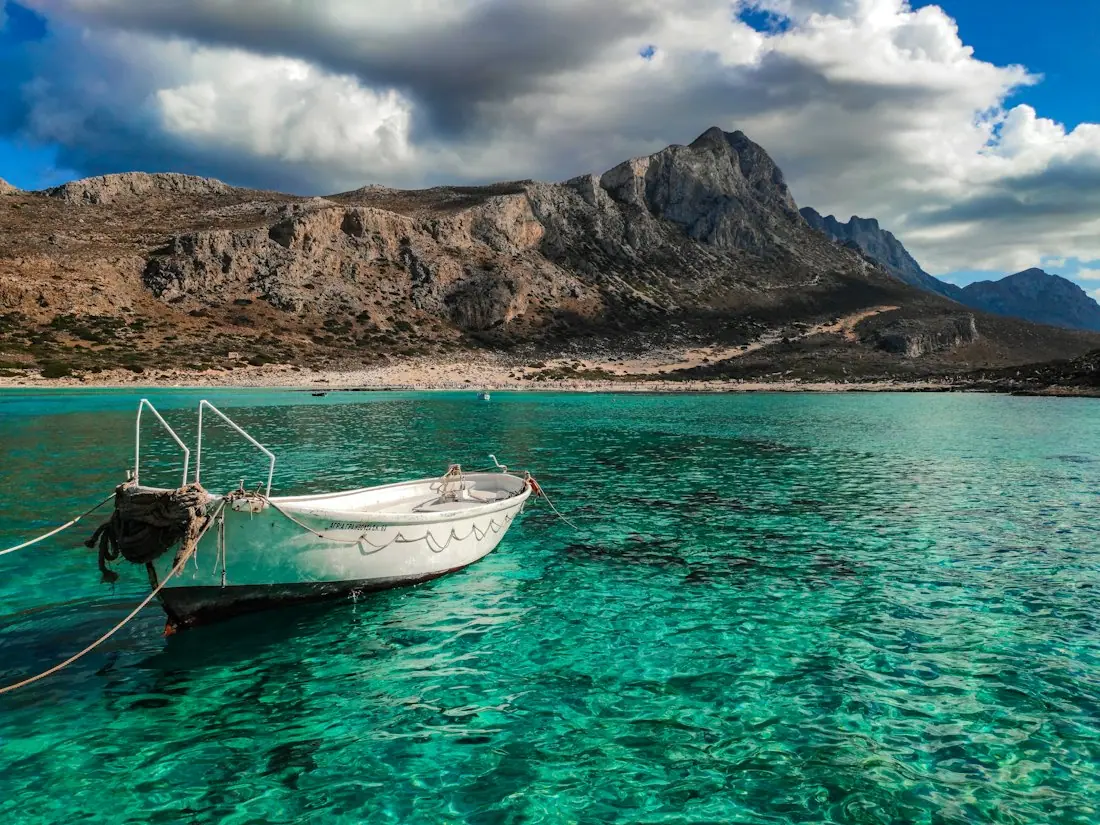
Crete
Sea · tavernas · nature
7 days for 2
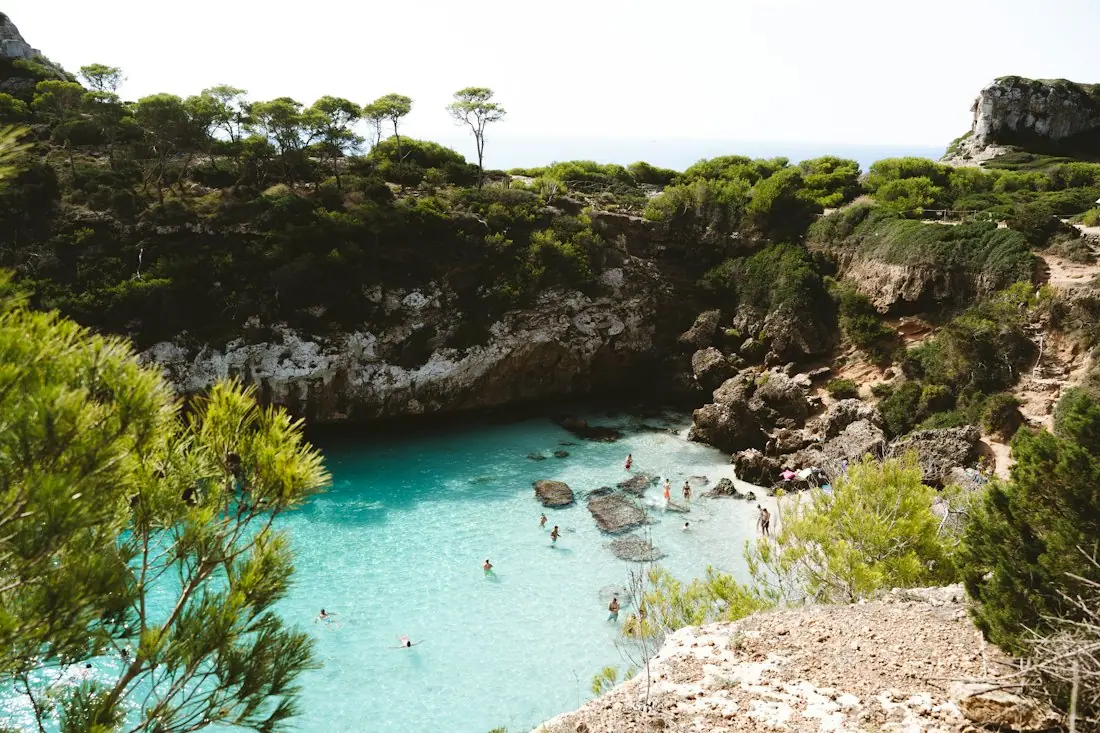
Mallorca
Sea · comfort · short distances
7 days for 2
Arrival, transfer, check-in, sunset, dinner. Just say “make it cheaper” or “no rental car” and the trip adapts.

Day 1
Arrival
Arrival in Heraklion Transfer · 35 minCheck-in by the sea
 Sunset
 Taverna at the harbor
Rain on the way? Then the beach day becomes a day at the market and a museum. Flight status, weather and your day plan in one place.

Day 3 · boat trip
Plans tend to change once people compare notes. HolidayWow lets you drag a stop to another day, swap a place and make a day lighter. After each change, the plan checker reorders the day. This creates a practical loop: try the change, inspect the revised route and adjust again until the day works for your group.
The side-panel assistant knows whether you have selected a day, a stop or a moment from the trip film. You can ask for a change through the same actions used by the buttons. For group travel, this makes preferences easier to discuss without losing the central map. If the first arrangement feels full, move an activity; if the route crosses the city repeatedly, re-order the stops and check the result.
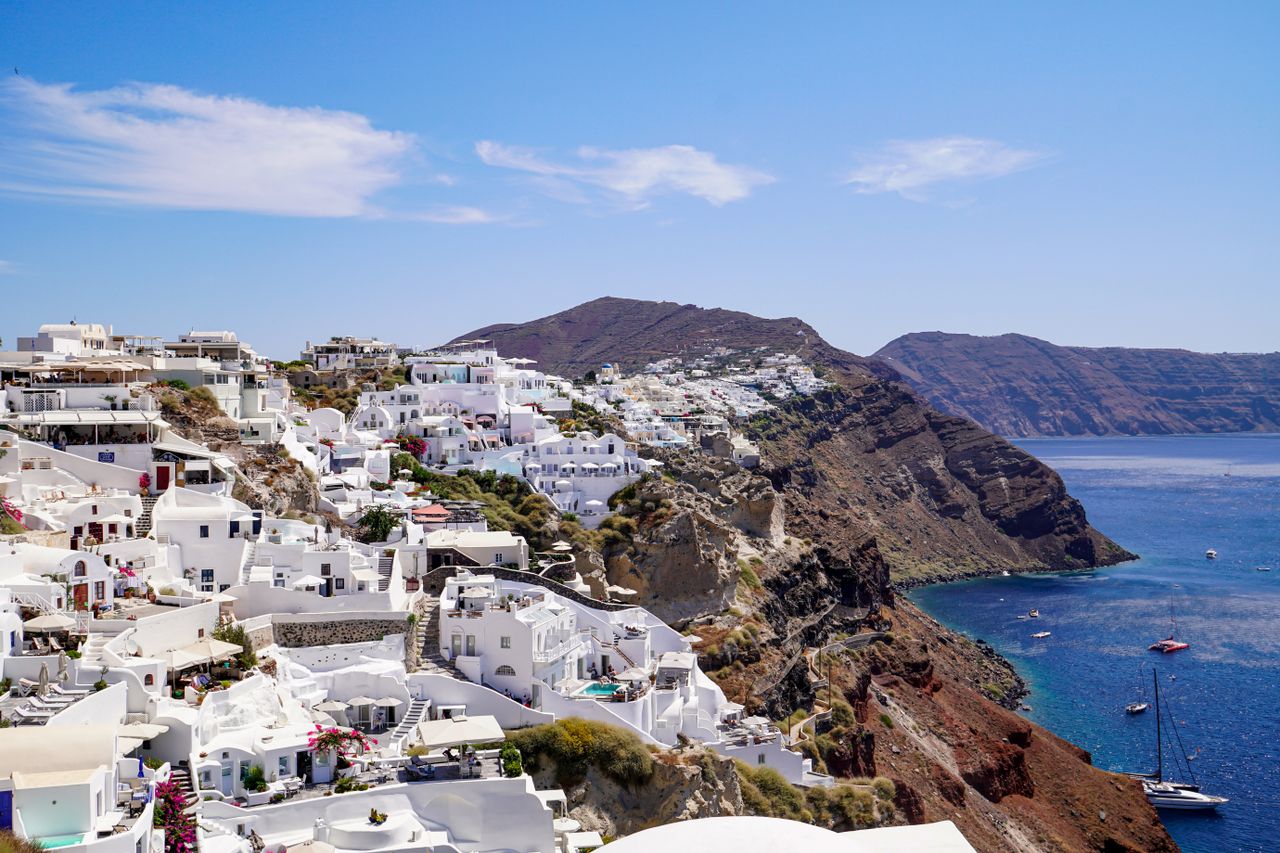
Google Maps and My Maps are well suited to collecting places and constructing custom maps. HolidayWow fits trips where you want the destinations turned into paced days, connected routes, bookings, shared plans and practical trip tools. The two approaches can sit at different points in the same workflow: gather references with Google Maps, then state the full trip idea to HolidayWow.
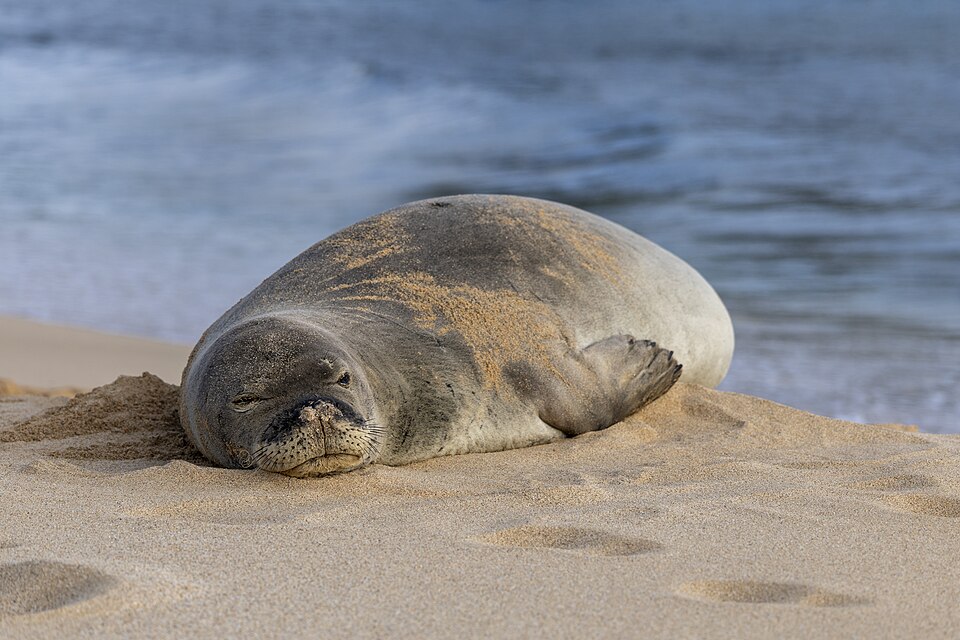 HawaiiiPhoto: E bailey · CC BY-SA 4.0 · Wikimedia Commons
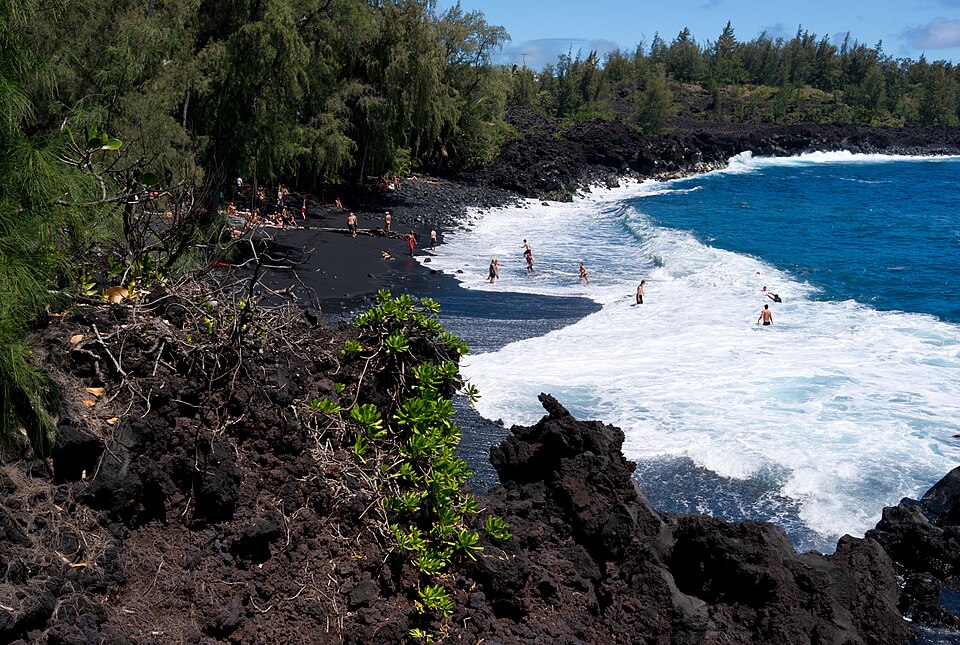 HawaiiiPhoto: Frank Schulenburg · CC BY-SA 3.0 · Wikimedia Commons
Start with a simple request such as a week in Hawaii with the kids during spring break. The planner interprets the destination, timing, group and preferences in that sentence. It can also build a door-to-door plan beginning at home, with the ride to the airport, the flight and the transfer to the first stay represented within the trip structure.
HawaiiiPhoto: E bailey · CC BY-SA 4.0 · Wikimedia CommonsHawaiiiPhoto: Frank Schulenburg · CC BY-SA 3.0 · Wikimedia CommonsHolidayWow brings stays, tours, transport and flight options into the planning flow through partners including Booking.com, GetYourGuide, Viitor, Trip.com and flight partners. Each partner item displays its live price or offers a “Check live price” action. The plan presents partner links in your language and Canadian dollars, so the booking step stays connected to the route you selected.

Cost planning continues inside the trip. A budget uses your home currency, price watch covers stays and tours, and cost splitting supports group payments. Dates remain optional while you shape the trip, then you can add them when ready. Dated cards bring weekday information, live weather and live prices together, giving you one place to review the shape and practical details of the vacation.
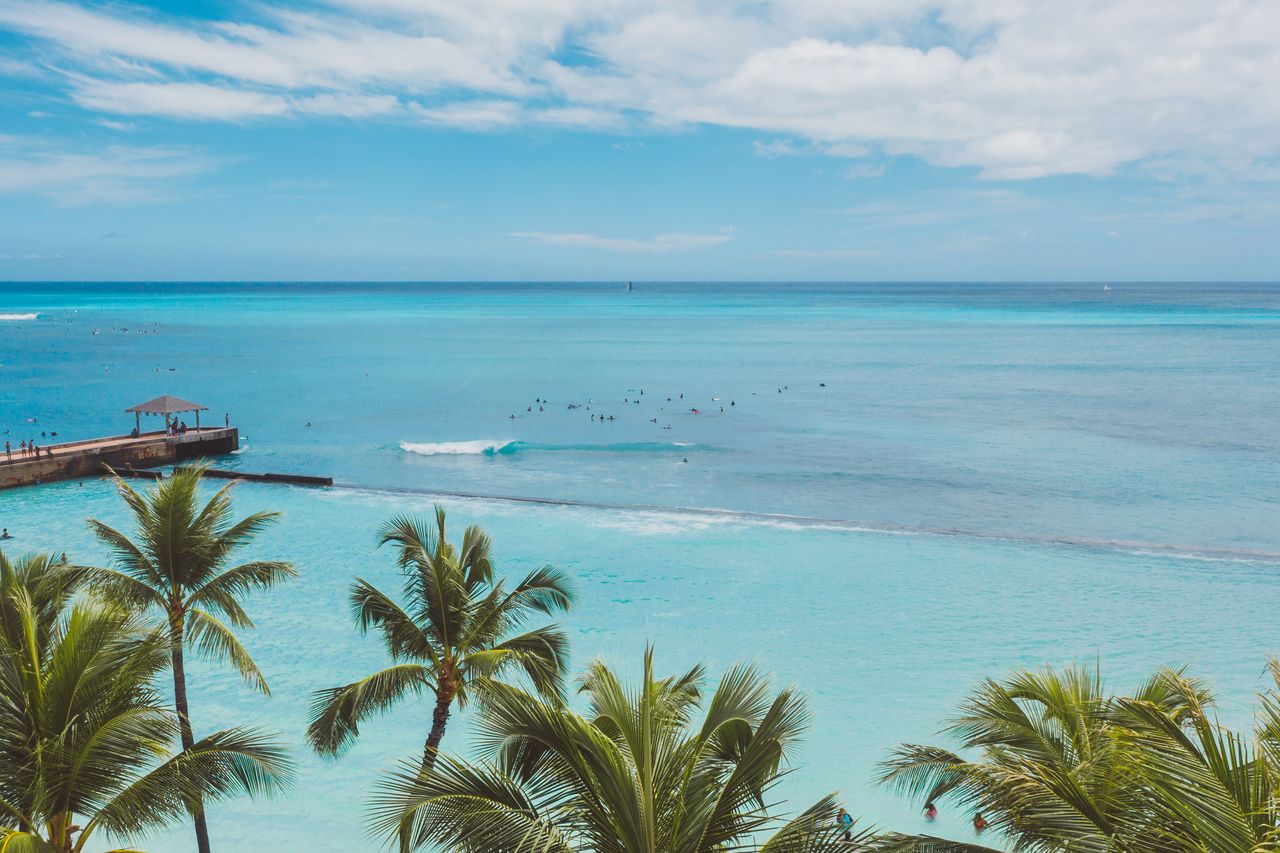
Temperature, sea, sun and rain days for every month, measured, not guessed. You see how your trip will feel before you go.
Nonstop flights, flight times and transfers from 8 Canadian airports, worked out from your door to the hotel.
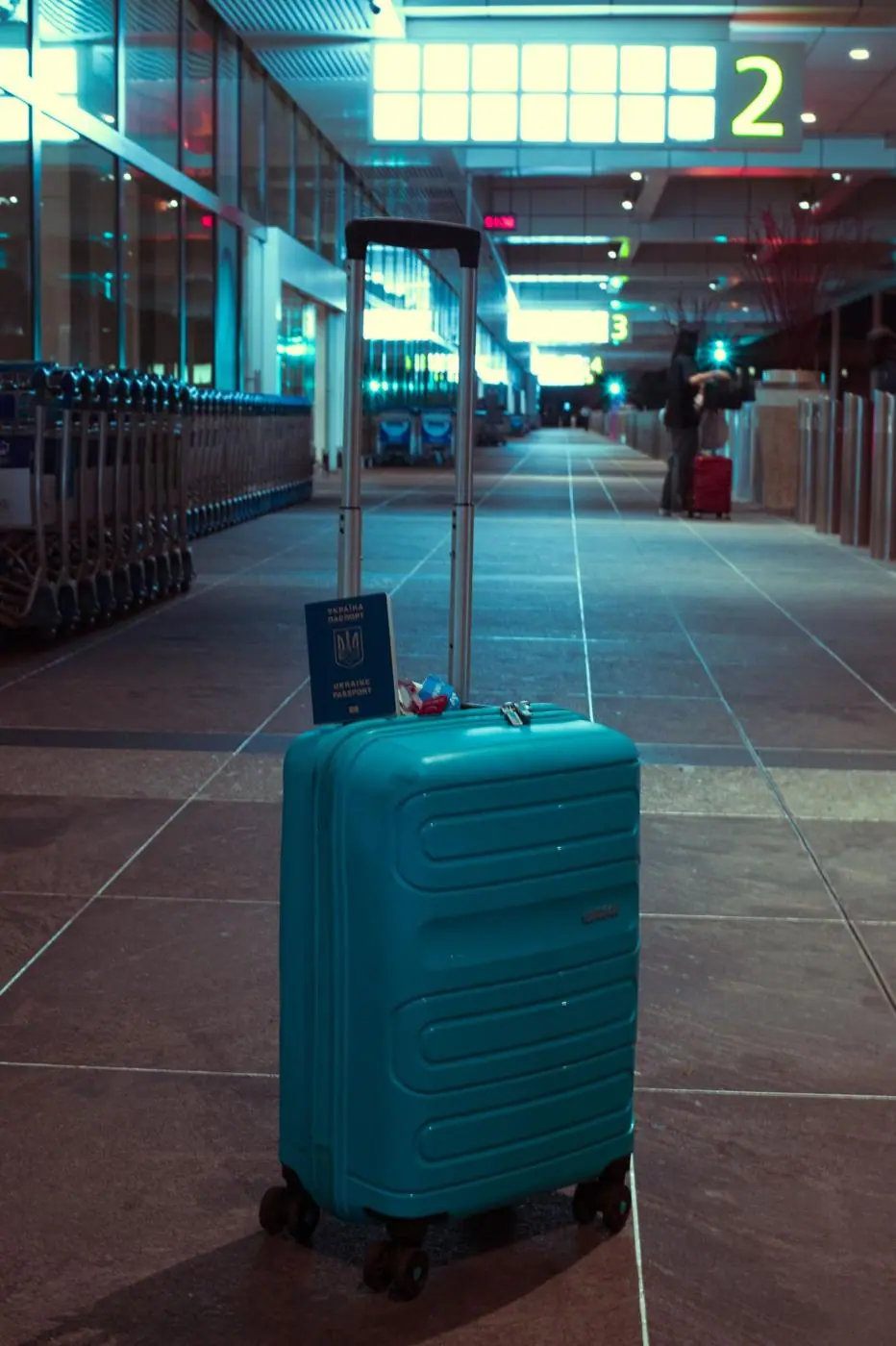
Flights, hotel, transfers and experiences in one sum for everyone traveling, with the provider and when the price was checked. No teaser prices.
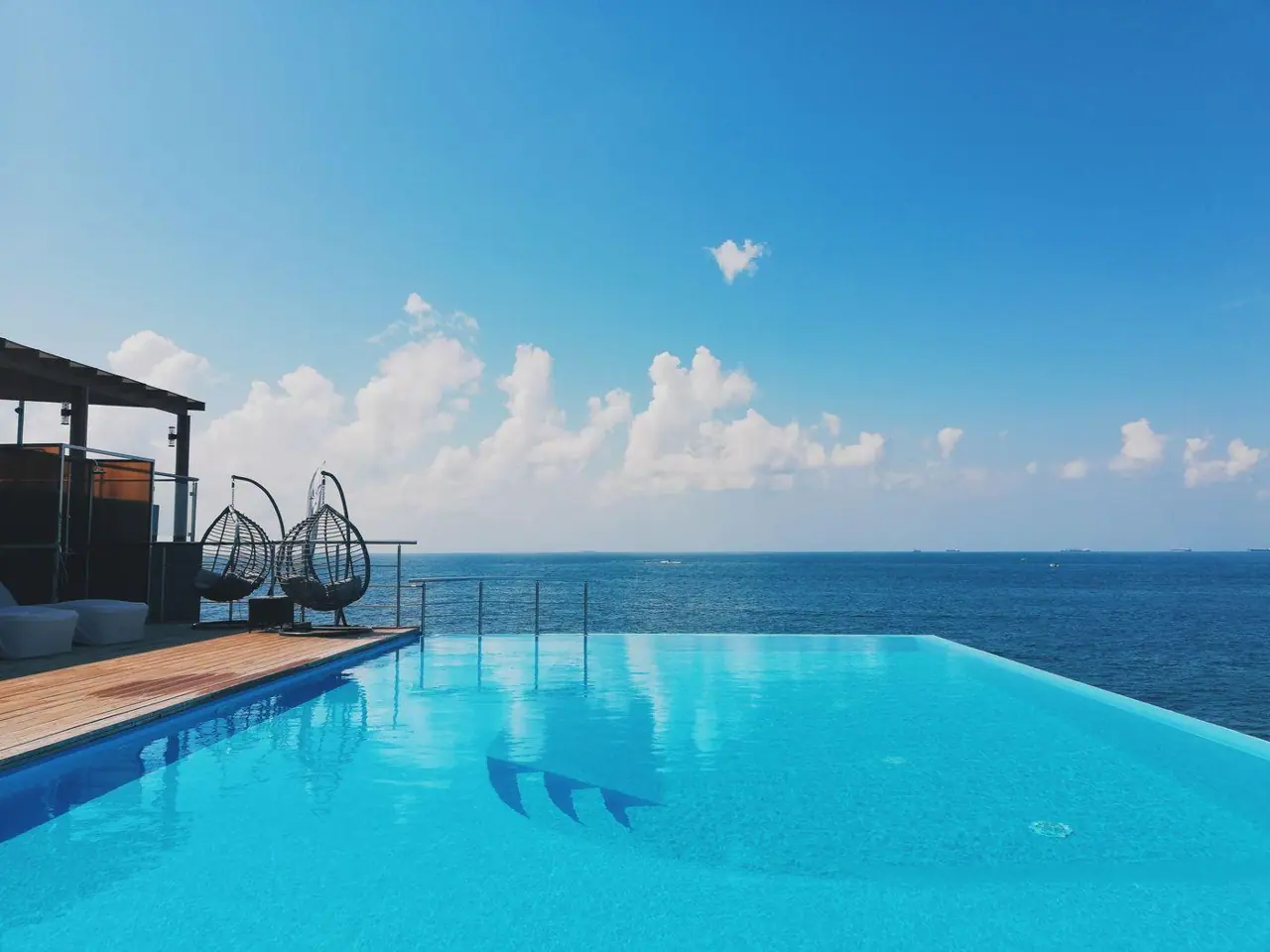
Start by naming the destination, month, people and preferred pace. You can say the whole idea in one sentence or use voice input, then review the day cards and map. Add dates when your timing is set, choose a pace for each day and adjust the first route if the order needs a change. The planner keeps the stops, legs and daily structure connected.
As the plan develops, add stays and experiences through live partner links, maintain a budget, share the route with the group and create a packing list from the itinerary, month and climate. A checklist and document vault keep passports, tickets and confirmations with the trip they belong to. Large text and voice input support different planning preferences, and the app is free to download and plan with.
A Google Maps trip planner is a map-based way to collect places and organise them into lists or custom maps. Google Maps supports saved places, while My Maps supports custom maps. HolidayWow adds the next planning stage by turning the trip concept into daily routes, editable stops and connected travel legs.
Use Google My Maps as a research space for saved places, then describe the trip to HolidayWow in a sentence or by voice. The resulting plan includes a pace, daily routes, map pins and travel times. You can also keep an existing Google My Maps open while working from the organised HolidayWow itinerary.
The app is free to download and plan with. Planning features include map-first day routes, editable stops, travel paces, sharing, climate information, packing lists, checklists and a document vault. Live prices and booking links come from travel partners within the plan.
Yes. Drag a stop to another day, swap a place or make a day lighter. The plan checker re-orders that day after each change. You can set a relaxed, balanced or packed pace for the trip or for individual days and ask the side-panel assistant to make changes through the same actions as the controls.
HolidayWow shares one plan through a link, with viewing and editing roles, comments and voting. Its Long Weekend planner uses official Canadian holiday data and leave days to shape longer trips. March break, summer vacation and Christmas break can all inform the timing of a group plan.
HolidayWow provides day and night temperatures, sea temperatures, sunshine hours and rain days for each month. The data comes from NASA POWER for air information and NOAA OISST for sea information. This monthly context supports packing and daily planning, while dated cards can add live weather when you supply exact dates.
Your next trip

Describe your trip in one sentence. When, who with and what matters to you.

Where it's warm right now, real fare finds from your airport, long weekends for your province and a ready-made trip to make your own.