Ten years of climate
Temperature, sea, sun and rain days for every month, measured, not guessed. You see how your trip will feel before you go.


Published October 5, 2026 · HolidayWow editors · Written with AI, numbers checked against our data ·
You can plan a trip in one sentence with HolidayWow. Type or say what you want, including the place, month, group, pace and budget. The planner turns your words into an editable, map-first vacation with daily routes, useful stops, live booking prices and everything your group needs to collaborate.
Start with a natural sentence such as, “A week in Hawaii with the kids during spring break.” HolidayWow reads the destination, timing, group and vacation style, then shapes those details into a working plan. Add a slower rhythm, a particular base or a spending goal and the planner can incorporate them from the beginning. You can enter the request with text or voice, which gives you two natural ways to describe your trip.
 HawaiiiPhoto: E bailey · CC BY-SA 4.0 · Wikimedia Commons
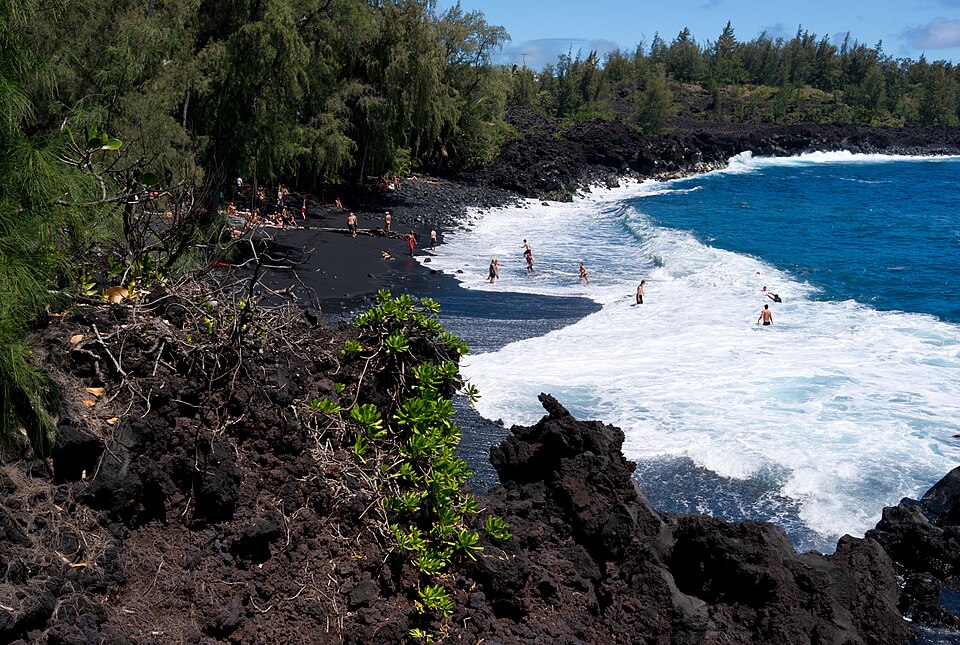 HawaiiiPhoto: Frank Schulenburg · CC BY-SA 3.0 · Wikimedia Commons
The result goes straight onto a map. Each day becomes a route, each stop receives a pin, and each leg shows its travel time. This view makes the shape of the vacation clear before you book anything. It also gives you a practical place to make changes: move an activity, replace a stop or reduce the number of stops on a particular day.
HawaiiiPhoto: E bailey · CC BY-SA 4.0 · Wikimedia CommonsHawaiiiPhoto: Frank Schulenburg · CC BY-SA 3.0 · Wikimedia CommonsA good first sentence needs a place, a month and an idea of who is travelling. Length, activity level and budget preferences add useful detail. You might describe a family city break, a relaxed coastal vacation or a packed trip with several bases. HolidayWow turns those preferences into a day-by-day structure and connects each part to the map.

Dates can come later. A month is enough to create the first plan, and you can add exact dates when they are ready. Each day card then gains its weekday, live weather and live prices. The approach lets you explore the shape of a trip early while keeping the practical booking details connected to the finished plan.
Try, “Plan a relaxed family trip to San Diego in February.” February averages a daytime temperature of 18 °C and a nighttime temperature of 9 °C. The city also receives 8 sunshine hours and has 6 rain days in the example climate data. The sea temperature is 15 °C, which gives you useful context for deciding how much of the itinerary should centre on the waterfront.
 TorontoiPhoto: Taxiarchos228 · FAL · Wikimedia Commons
 VancouveriPhoto: Quintin Soloviev · CC BY 4.0 · Wikimedia Commons
Toronto and San Diego are 3,464 km apart, while Vancouver and San Diego are 1,899 km apart. The holiday planner can place the destination in context with your starting point. Once the route is visible, you can choose a relaxed pace, one or two stops each day, and arrange a lighter day around the family’s needs.
TorontoiPhoto: Taxiarchos228 · FAL · Wikimedia CommonsVancouveriPhoto: Quintin Soloviev · CC BY 4.0 · Wikimedia CommonsNew trip


When, who with, what matters and what's a no. No form, no ten filters. HolidayWow understands the dates, budget, departure point, pace and wishes from one sentence.

New trip
Every idea comes with a total price and a clear answer to why it fits you: weather, flight time, beaches, food, short distances.

Your trip ideas
Sicily
Food · small towns · sea
7 days for 2
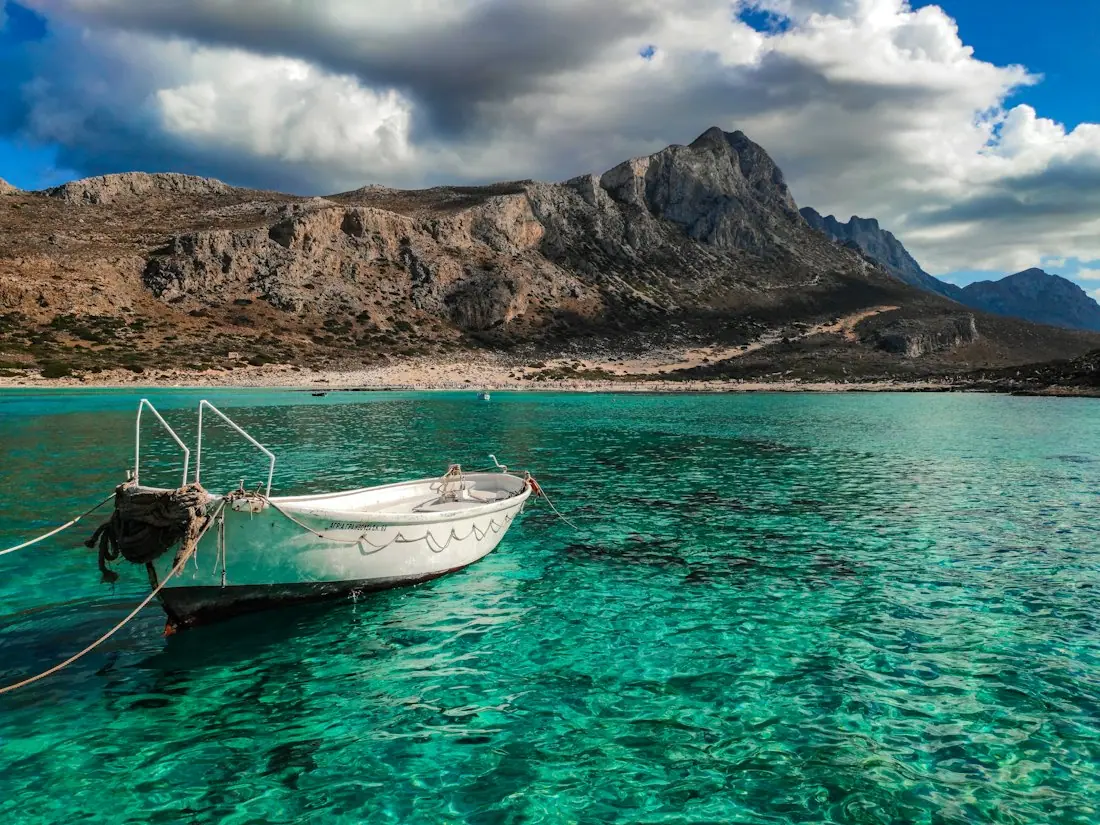
Crete
Sea · tavernas · nature
7 days for 2
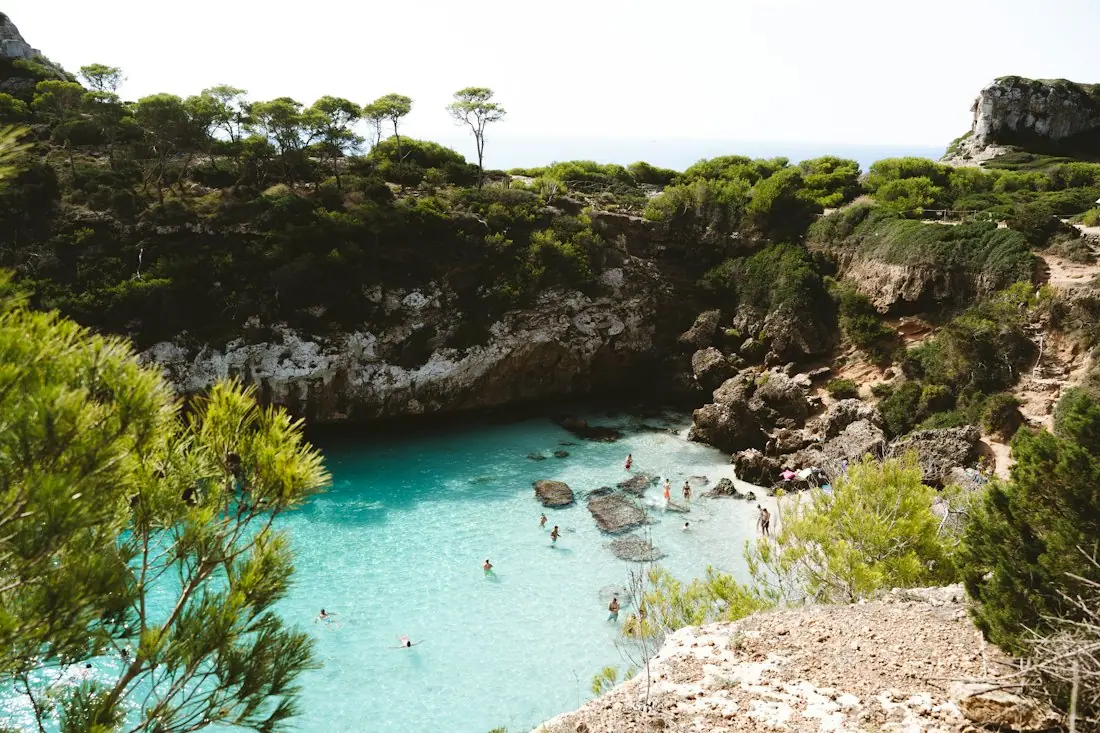
Mallorca
Sea · comfort · short distances
7 days for 2
Arrival, transfer, check-in, sunset, dinner. Just say “make it cheaper” or “no rental car” and the trip adapts.

Day 1
Arrival
Arrival in Heraklion Transfer · 35 minCheck-in by the sea
 Sunset
 Taverna at the harbor
Rain on the way? Then the beach day becomes a day at the market and a museum. Flight status, weather and your day plan in one place.

Day 3 · boat trip
A useful plan should respond as your priorities become clearer. HolidayWow offers a relaxed pace with one or two stops per day, a balanced pace with two or three stops and a packed pace with three or five. You can set a pace for the entire trip or change it for an individual day. Families can make arrival days gentler, while an energetic group can add more places around a strong central base.
Drag a stop to another day, swap one place for another or lighten a day after seeing the route. The plan checker reorders the day following each change. A side-panel assistant understands what you selected, whether that is a day, a stop or a moment from the trip film, and responds through the same planning actions used by the buttons.
The plan gathers stays, tours, transport and flight options through partners including Booking.com, GetYourGuide, Viator, Trip.com and flight partners. Live prices appear where available, while other options provide a button to check the current price. These are partner prices rather than estimates, so you can make decisions from the information presented on the page.

Booking links appear inside the plan and use your language and Canadian dollar currency. A trip budget keeps the trip in your home currency, offers price watches for stays and tours, and supports cost splitting for a group. Keeping the budget, itinerary and booking links together helps everyone understand which choice affects the total.
One link opens the same plan for everyone. You can choose who can view and who can edit, allowing companions to comment, suggest changes and vote on options. This works well when relatives are choosing among activities or when friends need a common view of the daily route. The map and day cards keep the conversation tied to the actual itinerary.

The planner also creates a short trip film that plays the plan across the map. You can see the flight arc, the bases and each day as one continuous journey, then share that view with the group. A packing list and checklist are built from the plan, month and climate. A document vault keeps passports, tickets and confirmations beside the trip to which they belong.

Temperature, sea, sun and rain days for every month, measured, not guessed. You see how your trip will feel before you go.
Nonstop flights, flight times and transfers from 8 Canadian airports, worked out from your door to the hotel.

Flights, hotel, transfers and experiences in one sum for everyone traveling, with the provider and when the price was checked. No teaser prices.
The Long Weekend planner works with official holiday data and typical leave days to help Canadian travellers build longer vacations. March break, summer vacation and Christmas break are useful starting points, and the market example “Cancún for March break” shows how a destination and holiday can be described together. This is particularly helpful when you are coordinating time away with children, relatives or colleagues.

A typical Canadian leave allowance is 10 vacation days, so your planning horizon matters. Start with the available days, identify a workable month and describe the trip in one sentence. Add exact dates later if your plans change. The Long Weekend planner can then connect public holidays and leave days with the route you have built.
New York City in April offers a useful second example. It has an average daytime temperature of 12 °C, a nighttime temperature of 6 °C, 7 sunshine hours and 11 rain days. Toronto is 568 km from New York City, and Vancouver is 3,910 km away. September in Quebec City has a daytime temperature of 18 °C, a nighttime temperature of 9 °C, 6 sunshine hours and 14 rain days, giving you another destination and season to compare.
 New York CityiPhoto: Jakub Hałun · CC BY-SA 4.0 · Wikimedia Commons
 New YorkiPhoto: King of Hearts · CC BY-SA 4.0 · Wikimedia Commons
To begin, write a sentence that names the destination, month and travelling party. Add pace and budget if they matter to you. HolidayWow can read the details, place the days on the map and create an editable foundation. The app is free to download and free to plan with, and large text plus voice input make the starting point comfortable for different travel preferences.
New York CityiPhoto: Jakub Hałun · CC BY-SA 4.0 · Wikimedia CommonsNew YorkiPhoto: King of Hearts · CC BY-SA 4.0 · Wikimedia CommonsIt means you describe the essential trip details in a single request, such as the destination, month, group, pace and budget. HolidayWow reads that sentence and turns it into a map-based vacation plan with daily routes, stops and editable days.
Write a natural request or use voice input. Include the destination and month first, then add who is travelling, the preferred pace and any budget direction. HolidayWow uses those details to shape the first version of the plan.
Yes. The app is free to download and free to plan with. Partner booking options and live prices are presented when you explore accommodations, tours, transport or flights.
Yes. You can drag a stop to another day, swap a place, choose a different pace or make a day lighter. The plan checker reorders the day after each change, while the side-panel assistant can respond to requests about a selected day, stop or trip-film moment.
Yes. Dates are optional at the beginning, so you can begin with a month. Add exact dates later and the day cards receive their weekdays, live weather and live prices.
Yes. A sentence can name children, friends or other companions, and you can choose a relaxed, balanced or packed pace. Sharing includes viewing and editing roles, comments, voting, cost splitting and one common plan link.
Your next trip

Describe your trip in one sentence. When, who with and what matters to you.

Where it's warm right now, real fare finds from your airport, long weekends for your province and a ready-made trip to make your own.