Ten years of climate
Temperature, sea, sun and rain days for every month, measured, not guessed. You see how your trip will feel before you go.


Published October 5, 2026 · HolidayWow editors · Written with AI, numbers checked against our data ·
A trip video from your itinerary should show the shape of your vacation, not a collection of disconnected photos. HolidayWow turns your plan into a short film played on a map, with the flight arc, bases, daily routes and stops appearing in sequence. Start with one sentence or use voice, edit the plan as you go, and share the result with your group.
A trip video from your itinerary is a visual replay of the route you chose. Instead of starting with blank slides, you describe the destination, month, group, pace and budget, then watch the plan develop across the map. HolidayWow reads those details from your words and turns them into a travel itinerary video with a clear beginning, middle and final destination.

The film is built from the plan itself. Each day becomes a route, each stop becomes a pin, and each leg shows its travel time. Your flight arc and bases stay part of the story, so the finished video communicates both the places you visit and the way you move between them.
Begin with a sentence such as “A week in Hawaii with the kids in spring break.” You can also speak your idea through voice input. The planner identifies the place, timing, group and travel style, then lays the trip out from your home to the first stay. The result is a plan you can shape before you turn it into a film.
 HawaiiiPhoto: E bailey · CC BY-SA 4.0 · Wikimedia Commons
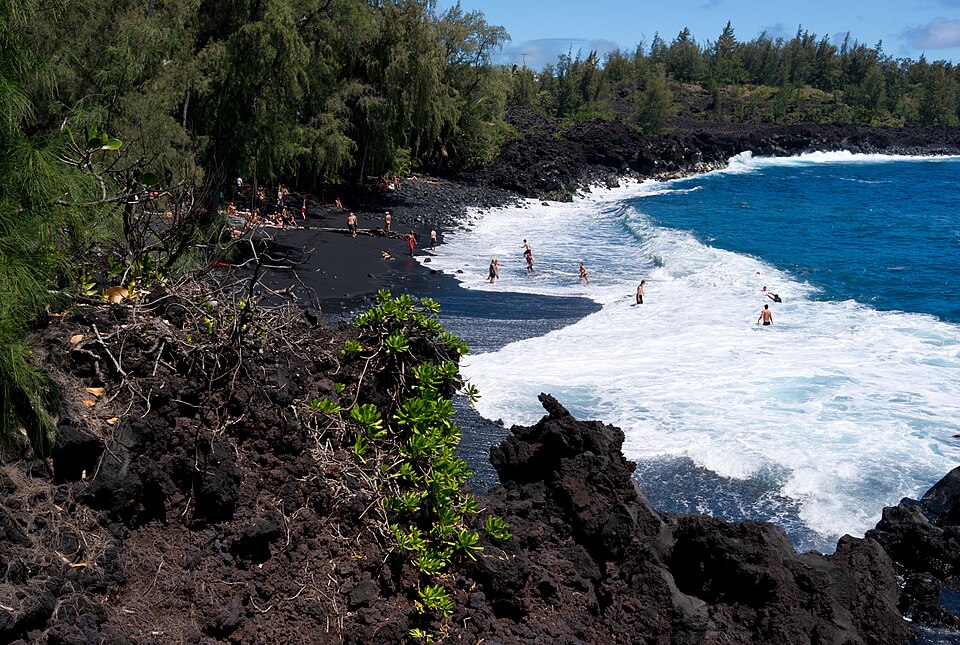 HawaiiiPhoto: Frank Schulenburg · CC BY-SA 3.0 · Wikimedia Commons
Choose relaxed, balanced or packed pacing. A relaxed day has one to two stops, a balanced day has two to three, and a packed day has three to five. You can set the pace for the whole trip or change it by day. This gives the film a rhythm that matches the kind of vacation you are planning.
HawaiiiPhoto: E bailey · CC BY-SA 4.0 · Wikimedia CommonsHawaiiiPhoto: Frank Schulenburg · CC BY-SA 3.0 · Wikimedia Commons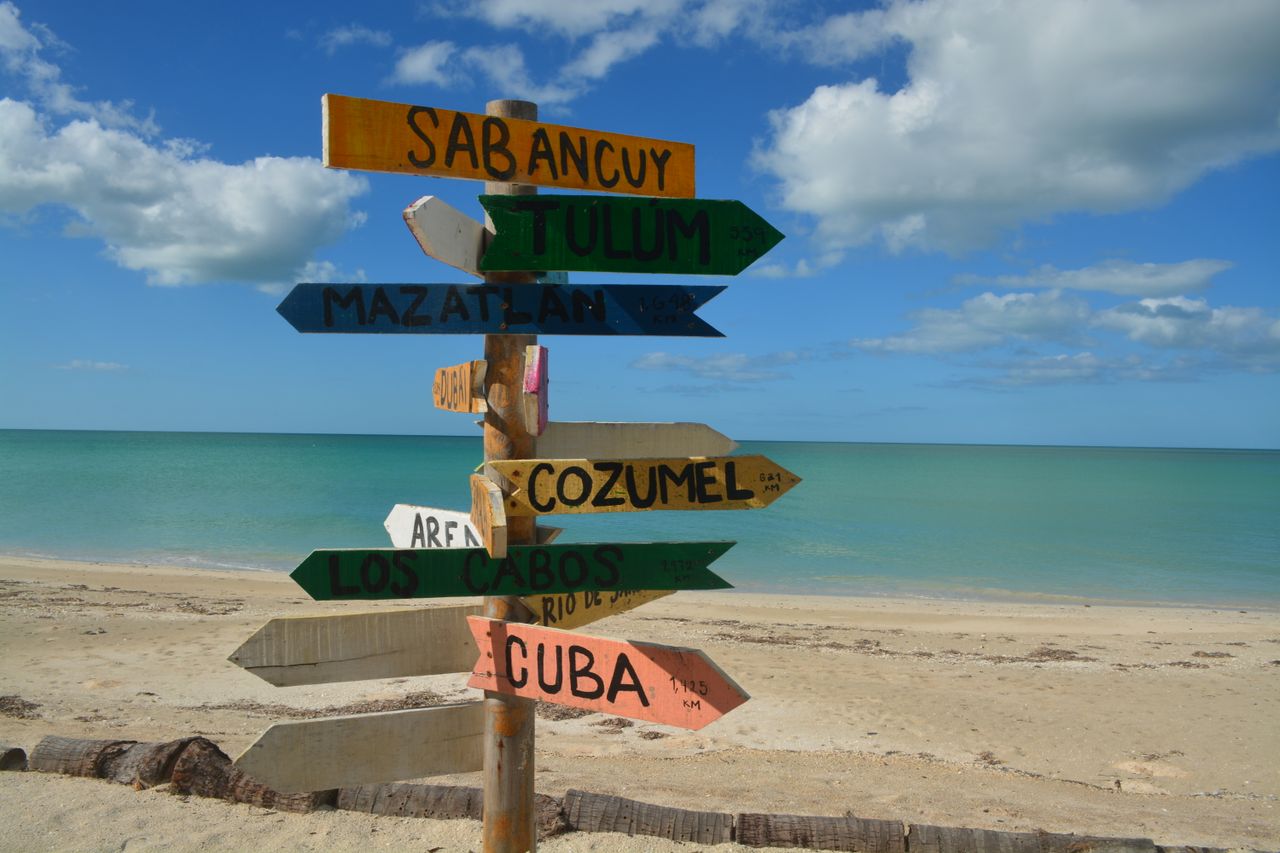
Imagine a Myrtle Beach vacation in May as a Canadian family film. The example data gives a daytime temperature of 24 °C, a night temperature of 21 °C and a sea temperature of 22 °C. May also brings 9 sunshine hours and 14 rain days, giving you useful context for packing and choosing the pace of each day.
 TorontoiPhoto: Taxiarchos228 · FAL · Wikimedia Commons
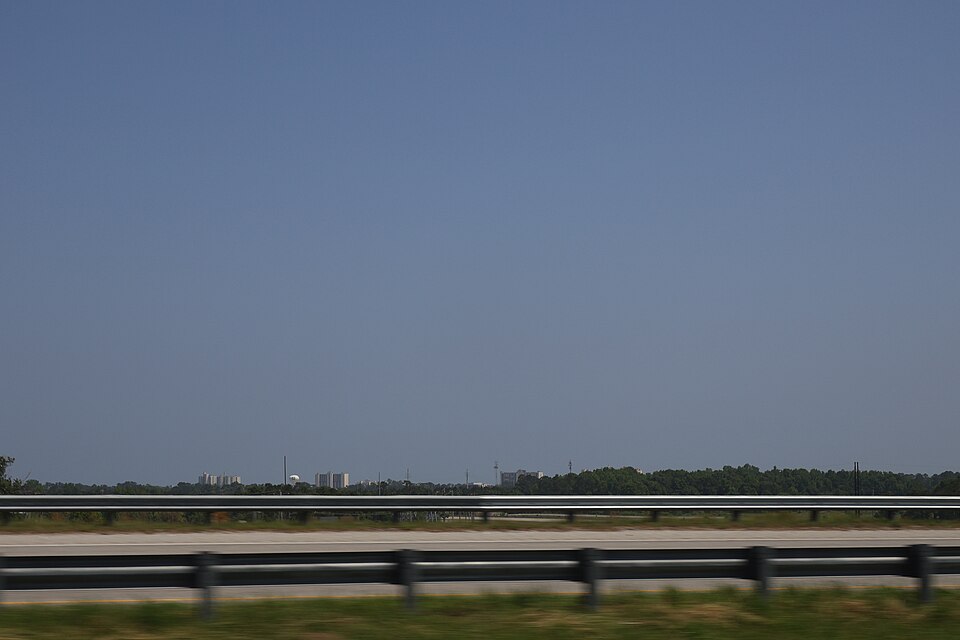 Myrtle BeachiPhoto: DiscoA340 · CC BY-SA 4.0 · Wikimedia Commons
From Toronto, Myrtle Beach is 1,110 km away. The film can show the flight arc, the route into the destination, each stop and the days you spend in the area. From Vancouver, the distance is 4,002 km. A shared map film gives everyone a clear view of the vacation’s structure before departure.
TorontoiPhoto: Taxiarchos228 · FAL · Wikimedia CommonsMyrtle BeachiPhoto: DiscoA340 · CC BY-SA 4.0 · Wikimedia CommonsNew trip


When, who with, what matters and what's a no. No form, no ten filters. HolidayWow understands the dates, budget, departure point, pace and wishes from one sentence.

New trip
Every idea comes with a total price and a clear answer to why it fits you: weather, flight time, beaches, food, short distances.

Your trip ideas
Sicily
Food · small towns · sea
7 days for 2
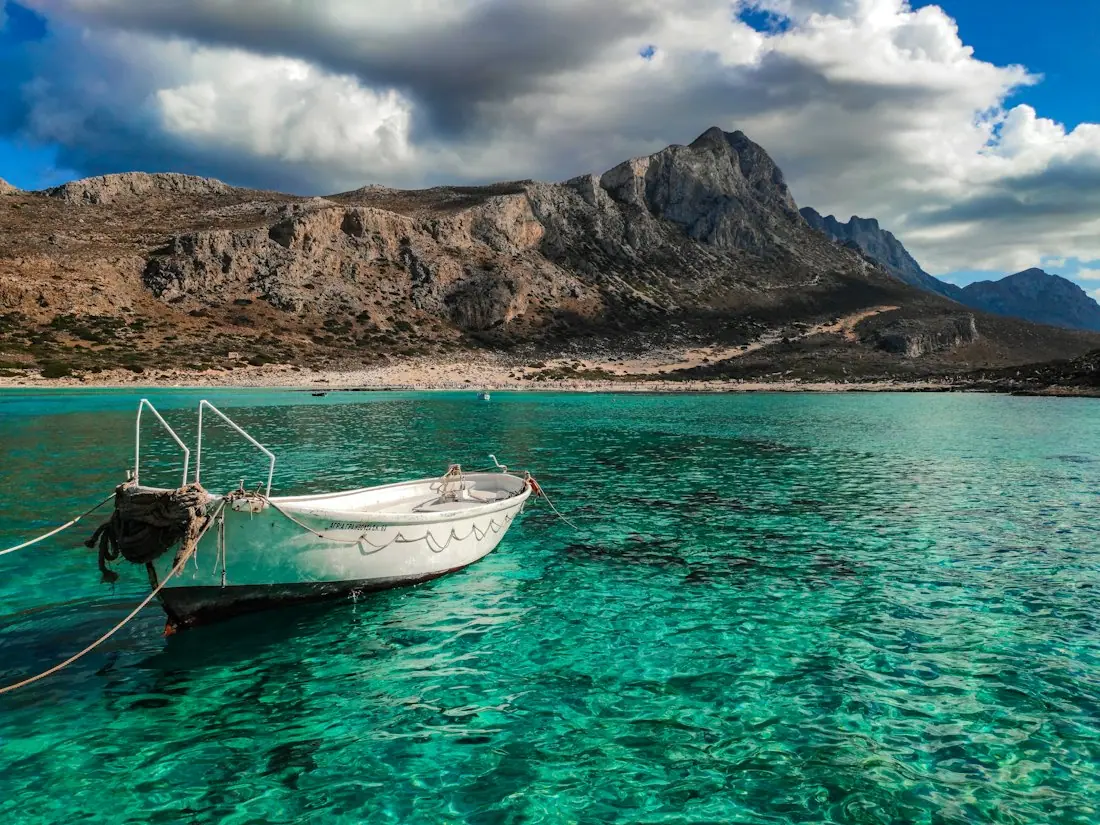
Crete
Sea · tavernas · nature
7 days for 2
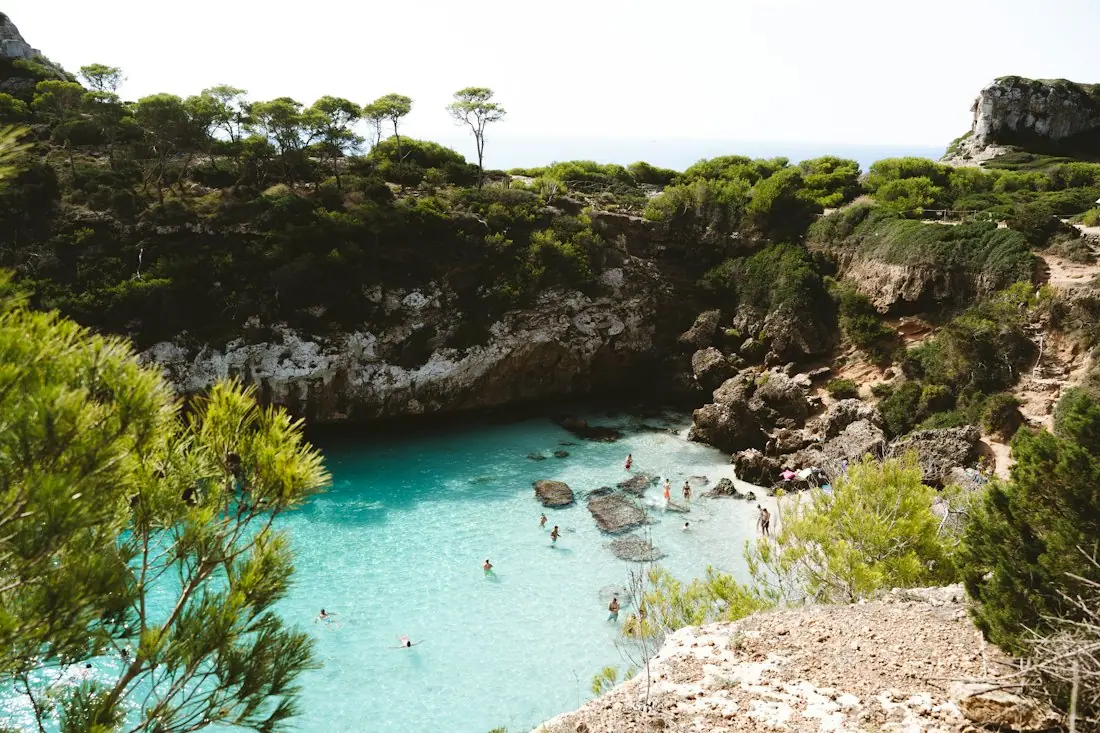
Mallorca
Sea · comfort · short distances
7 days for 2
Arrival, transfer, check-in, sunset, dinner. Just say “make it cheaper” or “no rental car” and the trip adapts.

Day 1
Arrival
Arrival in Heraklion Transfer · 35 minCheck-in by the sea
 Sunset
 Taverna at the harbor
Rain on the way? Then the beach day becomes a day at the market and a museum. Flight status, weather and your day plan in one place.

Day 3 · boat trip
For a Canadian city trip, the film can make the local route especially clear. In June, the Montreal example shows 23 °C by day, 14 °C at night, 8 sunshine hours and 16 rain days. The map presentation keeps the day's stops close to the travel reality, while the climate details help you decide when to spend more time outdoors.

The Montreal example is represented in the live map by 520 km from Toronto. From Vancouver, the connection is 3,692 km. When the dates are added, each day card can include its weekday, live weather and live prices, giving your itinerary video useful context at every stage.

A travel itinerary video works best when the underlying plan feels right. HolidayWow lets you drag a stop to another day, swap a place or make a day lighter. After each change, the plan checker re-orders the day, so the route shown in the film continues to match your travel pattern.

The side-panel assistant knows what you selected, whether that is a day, a stop or a moment in the trip film. Ask for a change and the assistant applies it through the same actions as the buttons. Dates are optional at the start, so you can plan with a month and add exact days later.
The plan can include climate data for every month, including day and night temperatures, sea temperature, sunshine hours and rain days. The data comes from NASA POWER for air conditions and NOAA OISST for sea conditions. This makes the film more than a route replay: you can use the month to shape activities, clothing and the daily pace.

Stays, tours and transport use real partner information, with the live price shown or a “Check live price” button available. Booking takes place inside the plan through partner links in your language and CAD. The video remains focused on the trip, while the plan supports the practical decisions around it.

Temperature, sea, sun and rain days for every month, measured, not guessed. You see how your trip will feel before you go.
Nonstop flights, flight times and transfers from 8 Canadian airports, worked out from your door to the hotel.

Flights, hotel, transfers and experiences in one sum for everyone traveling, with the provider and when the price was checked. No teaser prices.
Canadian travellers often plan around March break, summer vacation, Christmas break and public holidays. HolidayWow includes the Long Weekend planner for Canada, using official holiday data to turn public holidays and leave days into longer trips. This makes the itinerary video useful before you travel, when your dates and group are still taking shape.

A family can plan around a specific break, while a couple can use the same map film to review a quieter city itinerary. A group can share one link, assign viewing or editing roles, comment on stops and vote on options. The film becomes a shared reference for the whole travel party.
Families can use the film to show children the route and keep everyone aligned on the day. Couples can use it to compare stops and select a pace that suits the trip. Groups can use comments, votes, sharing roles and cost splitting. Travellers who prefer large text or voice input can create the same map-based plan through those formats.
Whether you are planning a Canadian city break, a March break vacation or a longer international journey, the app is free to download and plan with. Start with the places and month you have in mind, then turn the plan into a short film that explains your trip at a glance.
Describe the trip in one sentence or use voice input. HolidayWow reads the destination, month, group, pace and budget, draws each day on the map, and plays the plan as a short film with routes, stops, bases and the flight arc.
Yes. The trip film is created from the plan itself. Every day is shown as a route, each stop appears as a pin, and the film can include the flight arc and the bases where you stay. It can be shared with your group.
Yes. Drag a stop to another day, swap a place or lighten a day. The plan checker re-orders the day after each change, keeping the route and the film connected to the edited itinerary.
The film shows the flight arc, your bases, daily routes and stops. The map is map first, so you can understand the direction of the vacation and the movement between places before departure.
Yes. You can describe the group, set the pace and share the plan through one link. Group members can view, edit, comment and vote, while the plan supports cost splitting and a document vault for travel papers.
Yes. Dates are optional when you begin. You can plan with a month, then add dates later. Once dates are present, each day card can show its weekday, live weather and live prices.
Yes. Stays, tours and transport use partner information and show the live price or a “Check live price” button. Booking links appear in your language and CAD, with the trip film and plan together in one place.

Your next trip

Describe your trip in one sentence. When, who with and what matters to you.

Where it's warm right now, real fare finds from your airport, long weekends for your province and a ready-made trip to make your own.