Ten years of climate
Temperature, sea, sun and rain days for every month, measured, not guessed. You see how your trip will feel before you go.
Published October 5, 2026 · HolidayWow editors · Written with AI, numbers checked against our data ·
HolidayWow is a travel planner with weather that turns a sentence about your trip into a map-based plan. Add a month to see climate conditions, or add dates for live weather on each day card. You can change the pace, move stops, compare real partner prices and share the plan with your group.
HolidayWow turns details such as the destination, month, group, budget and preferred pace into a trip plan. Every day appears as a route on the map, with stops marked as pins and each leg showing its travel time. Dates remain optional, so you can begin with the month that interests you and decide on exact travel days later.
Once dates are part of the plan, each day card receives its weekday, live weather and live prices. Monthly climate details provide a broader planning layer with daytime and nighttime temperatures, sea temperature, sunshine hours and rain days. This lets you shape the vacation around the conditions you value while keeping current information available for each dated day.
Describe the trip in a sentence or use voice input. The planner reads the place, month, group, pace and budget from your words. You can choose a relaxed pace with 1 to 2 stops a day, a balanced pace with 2 to 3 stops, or a packed pace with 3 to 5 stops. The pace can apply to the whole trip or change from one day to another.
The resulting plan is map first rather than a simple list. You see the route, the sequence of places and the relationship between each day. A side-panel assistant knows when you select a day, stop or moment from the trip film. Ask it to change the plan through natural language, using the same planning actions as the buttons.

Monthly climate figures help you choose between destinations or understand what conditions to expect. For a Vancouver vacation in August, the climate profile shows daytime temperatures of 21 °C, nighttime temperatures of 13 °C, 9 sunshine hours and 9 rain days. From Toronto, Vancouver is 3,340 km away, while the local Vancouver distance is 9 km.
 Greece
 VancouveriPhoto: Quintin Soloviev · CC BY 4.0 · Wikimedia Commons
Different destinations offer distinct seasonal profiles. Greece in May records 26 °C by day and 14 °C at night, with 10 sunshine hours and 5 rain days. From Toronto, Greece is 8,025 km away. These long-term figures support destination planning, while the dated day cards add the live weather detail for your chosen travel period.
GreeceVancouveriPhoto: Quintin Soloviev · CC BY 4.0 · Wikimedia CommonsNew trip


When, who with, what matters and what's a no. No form, no ten filters. HolidayWow understands the dates, budget, departure point, pace and wishes from one sentence.

New trip
Every idea comes with a total price and a clear answer to why it fits you: weather, flight time, beaches, food, short distances.

Your trip ideas
Sicily
Food · small towns · sea
7 days for 2
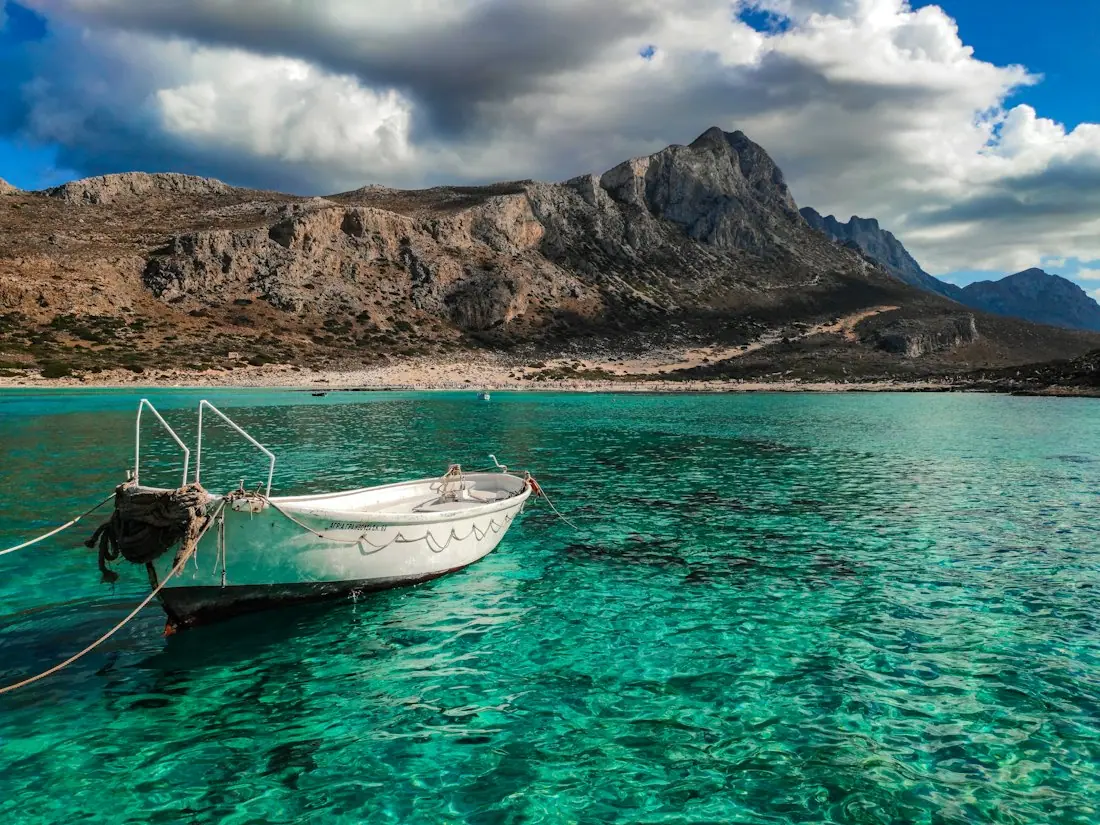
Crete
Sea · tavernas · nature
7 days for 2
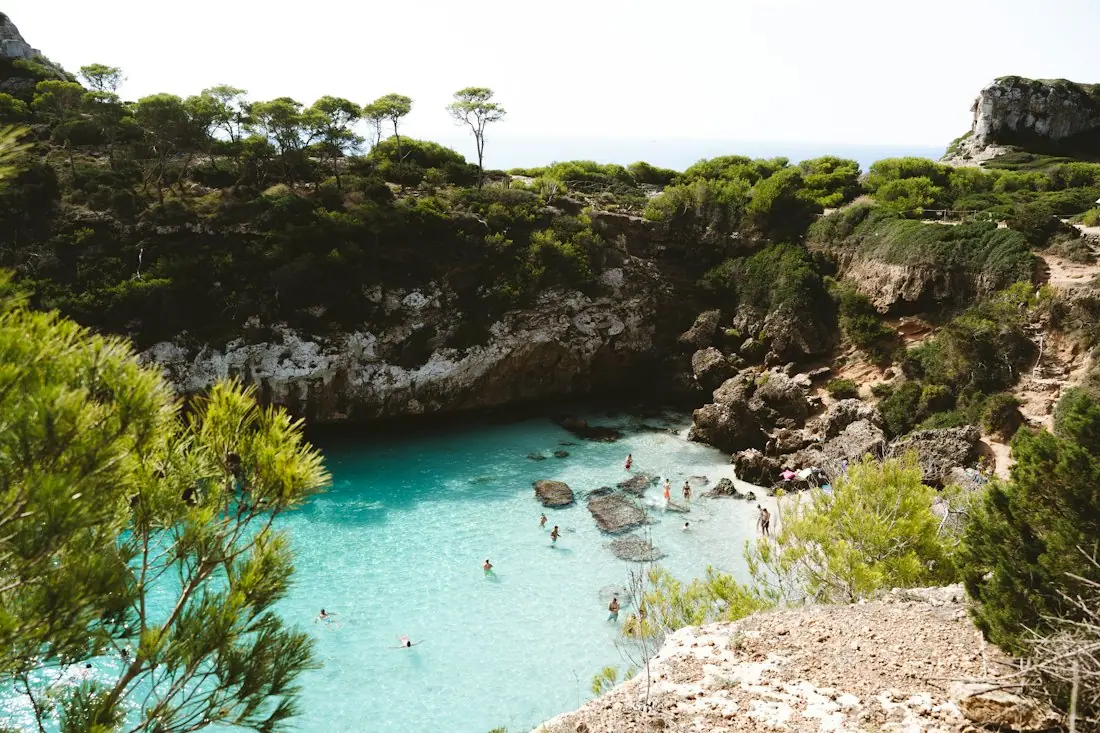
Mallorca
Sea · comfort · short distances
7 days for 2
Arrival, transfer, check-in, sunset, dinner. Just say “make it cheaper” or “no rental car” and the trip adapts.

Day 1
Arrival
Arrival in Heraklion Transfer · 35 minCheck-in by the sea
 Sunset
 Taverna at the harbor
Rain on the way? Then the beach day becomes a day at the market and a museum. Flight status, weather and your day plan in one place.

Day 3 · boat trip
Weather-aware planning becomes clearer when day and night temperatures are presented together. Antigua in June has daytime temperatures of 29 °C, nighttime temperatures of 28 °C and a sea temperature of 28 °C. The same month records 9 sunshine hours and 17 rain days, giving you useful context for outdoor activities, swimming and daily packing.
 GermanyiPhoto: dronepicr · CC BY 2.0 · Wikimedia Commons
 BostoniPhoto: Christian David · CC BY-SA 4.0 · Wikimedia Commons
A cooler seasonal profile can guide a different kind of schedule. Boston in November averages 10 °C during the day and 1 °C at night, with 5 sunshine hours and 9 rain days. Germany in October shows 14 °C by day, 6 °C at night, 3 sunshine hours and 13 rain days. Compare these values against your preferred pace and the conditions your group enjoys.
GermanyiPhoto: dronepicr · CC BY 2.0 · Wikimedia CommonsBostoniPhoto: Christian David · CC BY-SA 4.0 · Wikimedia Commons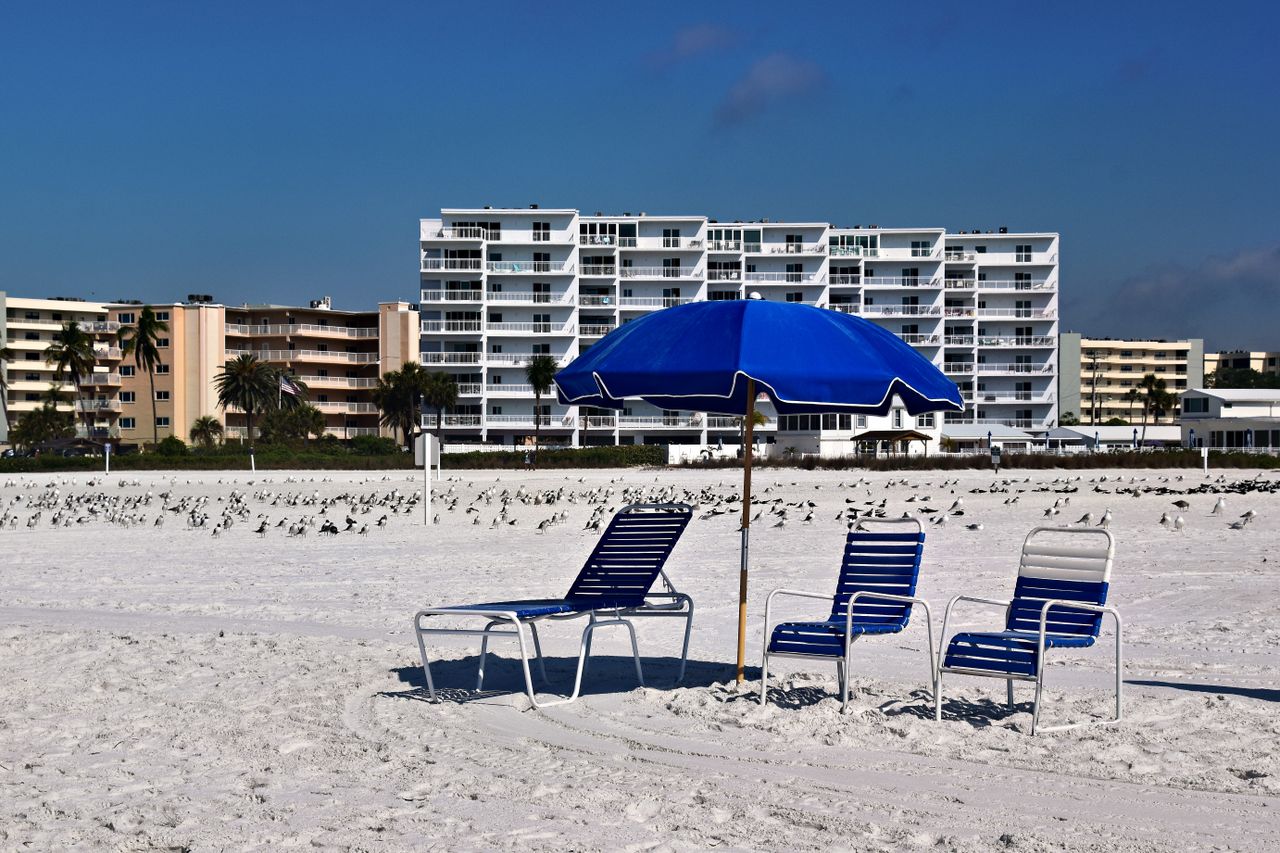
An editable itinerary gives you room to respond to dates, group energy and live conditions. Drag a stop to another day, swap a place or make a day lighter. The plan checker reorders that day after each change, helping the route and sequence remain connected to the rest of the trip.

You can also use the assistant to request a change from the side panel. Select a relevant day, stop or trip-film moment, then describe what you want to adjust. For a family, you might create a relaxed day with a lighter set of stops. For a packed itinerary, you can move several activities into another date and let the checker revisit the order.
The plan starts at home and includes the ride to the airport, the flight and the transfer to the first stay. This gives you one connected structure for the full journey rather than separate notes for the flight, arrival and destination. Stays, tours and transport appear through partner links in your language and Canadian dollar currency.
Live partner prices come from Booking.com, GetYourGuide, Viator, Trip.com and flight partners. A listing presents its live price or a “Check live price” button, rather than an invented estimate. The trip budget works in your home currency, with price watch for stays and tours plus cost splitting for groups. Booking happens inside the plan through the relevant partner link.

Temperature, sea, sun and rain days for every month, measured, not guessed. You see how your trip will feel before you go.
Nonstop flights, flight times and transfers from 8 Canadian airports, worked out from your door to the hotel.

Flights, hotel, transfers and experiences in one sum for everyone traveling, with the provider and when the price was checked. No teaser prices.
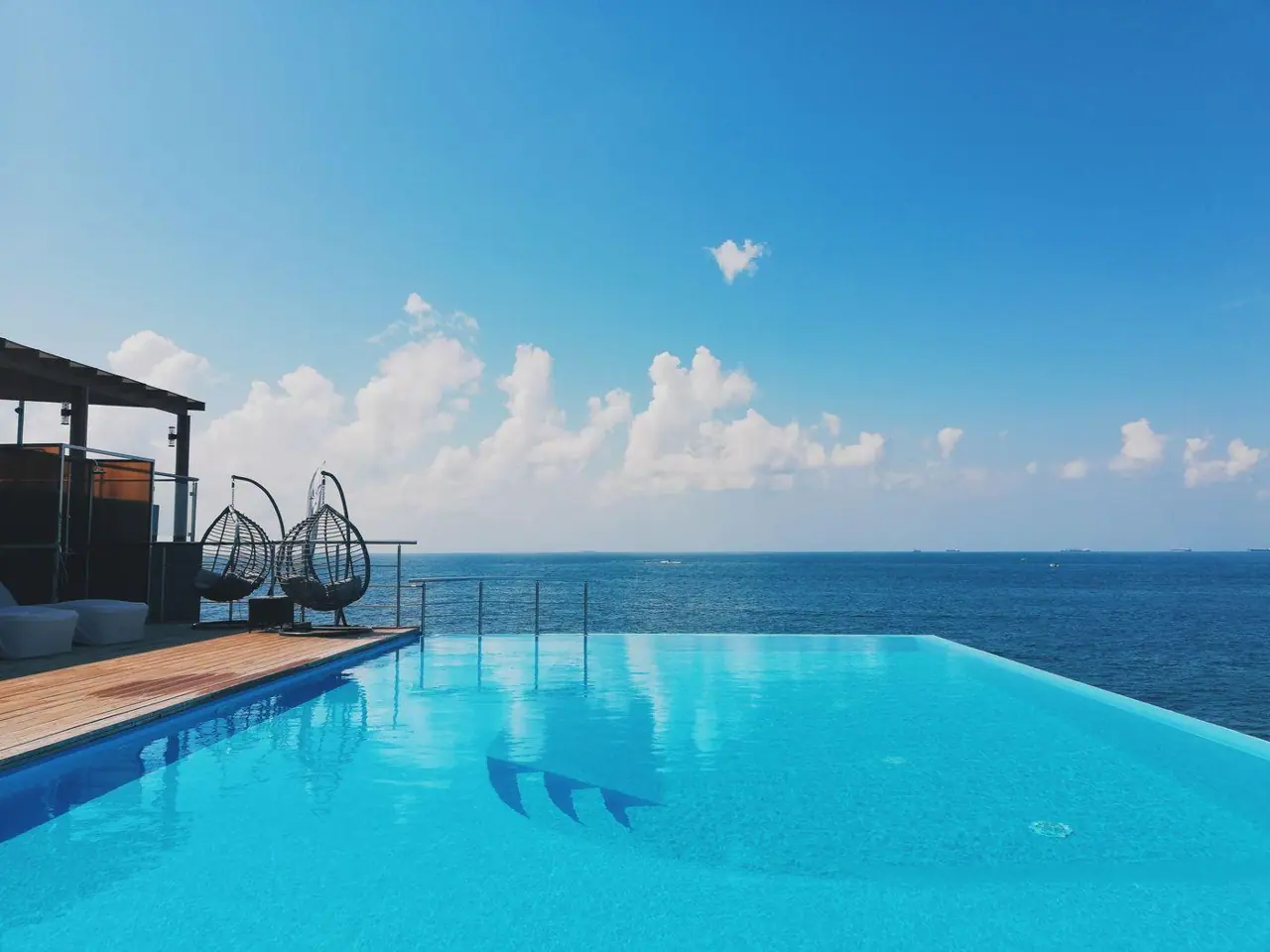
Your packing list and checklist are built from the plan, selected month and destination climate. This connects practical preparation to the weather profile you selected. For example, a destination with warm nights and regular rain calls for a different set of clothing and gear than a cooler month with lower sunshine totals.

The document vault keeps passports, tickets and confirmations with the trip they belong to. This gives your travel papers a clear home in the same planning structure. The trip film also presents your route as a short film on the map, with the flight arc, bases and days. You can play it to review the journey or share the plan with companions.
HolidayWow works for families, couples, friends, solo travellers and groups. Canadian travellers often coordinate around March break, summer vacation, Christmas break and long weekends. The Long Weekend planner uses official holiday data to turn public holidays and leave days into longer trips, while the typical 10 leave days can help shape vacation timing.
Sharing uses one link to open the same plan for everyone. Roles determine who can view and who can edit, and group members can vote and comment. Large text and voice input add useful access options. If you know the destination but not the dates, begin with the month, then add dates to bring live weather into each day card.
Add a month to compare destination climate data, including temperatures, sea temperature, sunshine hours and rain days. Add exact dates and each day card also receives live weather and live prices. This gives you a seasonal picture first and current conditions for the dates you choose.
Yes. Dates are optional, so you can create a trip using the destination and month alone. Add dates later and the day cards update with the weekday, live weather and live prices. You can therefore research the destination before committing to a travel period.
HolidayWow uses NASA POWER for air data from 2006 to 2025 and NOAA OISST for sea-temperature data from 1991 to 2020. The monthly information covers day and night temperature, sea temperature, sunshine hours and rain days. Dated day cards provide the separate layer of live weather.
Yes. You can drag a stop to another day, swap a place or reduce a day’s activities. The plan checker reorders the day after each edit. You can also select a day or stop and ask the side-panel assistant to make the requested change.
Stays, tours, transport and flights come from partners and display live prices in Canadian dollars. When current pricing comes through a “Check live price” button, that button opens the relevant partner information. The budget also supports price watch and group cost splitting.
Share one link to open the same plan for everyone. You can assign viewing and editing roles, while group members vote and comment. The packing list, document vault, budget and map route remain connected to the shared trip.

Your next trip

Describe your trip in one sentence. When, who with and what matters to you.

Where it's warm right now, real fare finds from your airport, long weekends for your province and a ready-made trip to make your own.