Ten years of climate
Temperature, sea, sun and rain days for every month, measured, not guessed. You see how your trip will feel before you go.


Published October 5, 2026 · HolidayWow editors · Written with AI, numbers checked against our data ·
If you are searching for a trip planner spreadsheet alternative, HolidayWow turns a sentence about your trip into an editable map itinerary. You can move stops, change the pace, add dates later, compare real partner prices and share the same plan with your group. It is a practical transition from a typed spreadsheet because the route, day cards, budget and booking details stay connected as the trip changes.
A travel itinerary spreadsheet is useful when you want to type your own schedule, sort information and see several details at once. A shared document works in a similar hands-on way. You decide what belongs in each row or column, and your group can add comments, links and updates over time.

HolidayWow keeps that sense of control while connecting the plan to a map. Describe the trip in one sentence or by voice, and the planner reads the destination, month, group, pace and budget from your words. Every day becomes a route, each stop becomes a pin, and each leg shows its travel time. The schedule is still editable, but it gains a visual structure that a grid on its own does not provide.
The app is free to download and to plan with. You can start with a month, add dates later and use the plan as the central place for your itinerary, prices, documents and group decisions. That makes it useful as a spreadsheet alternative for a family, a couple, friends or a solo traveller who wants one connected view.
A vacation planning spreadsheet often becomes a record of decisions rather than a tool for making the next decision. The destination row may mention a neighbourhood, the activity row may hold a booking link, and the notes column may contain the details everyone needs. Updating one change can mean checking several cells, messages and documents.
HolidayWow gives those pieces a common location. You can swap a place, make a day lighter and let the plan checker re-order the day after each change. A side-panel assistant understands the day, stop or moment you have selected and can make the requested change through the same actions used by the planner buttons.
For Canadian travel, timing often starts with a public holiday or a school break. The Long Weekend planner turns public holidays and leave days into longer trips from official holiday data. March break, summer vacation and Christmas break are useful planning anchors when you want to shape a vacation around family schedules.
The map is the centre of the plan because it shows how the days relate to one another. You can see the stops, the route between them and the travel time for each leg. This makes it easier to notice when a day has become too dense or when a place belongs more naturally in another part of the trip.
You can choose relaxed, balanced or packed travel. Relaxed plans use one to two stops a day, balanced plans use two to three stops, and packed plans use three to five. The pace can be set for the whole trip or changed for an individual day. This is where a spreadsheet alternative can help with practical planning: the plan responds to the group and the pace instead of leaving you to recalculate every row.
The trip film presents the itinerary as a short film on the map, including the flight arc, bases and each day. It gives everyone a shared visual of the route, which is useful when a group wants to understand the shape of the trip before making more changes.
New trip


When, who with, what matters and what's a no. No form, no ten filters. HolidayWow understands the dates, budget, departure point, pace and wishes from one sentence.

New trip
Every idea comes with a total price and a clear answer to why it fits you: weather, flight time, beaches, food, short distances.

Your trip ideas
Sicily
Food · small towns · sea
7 days for 2
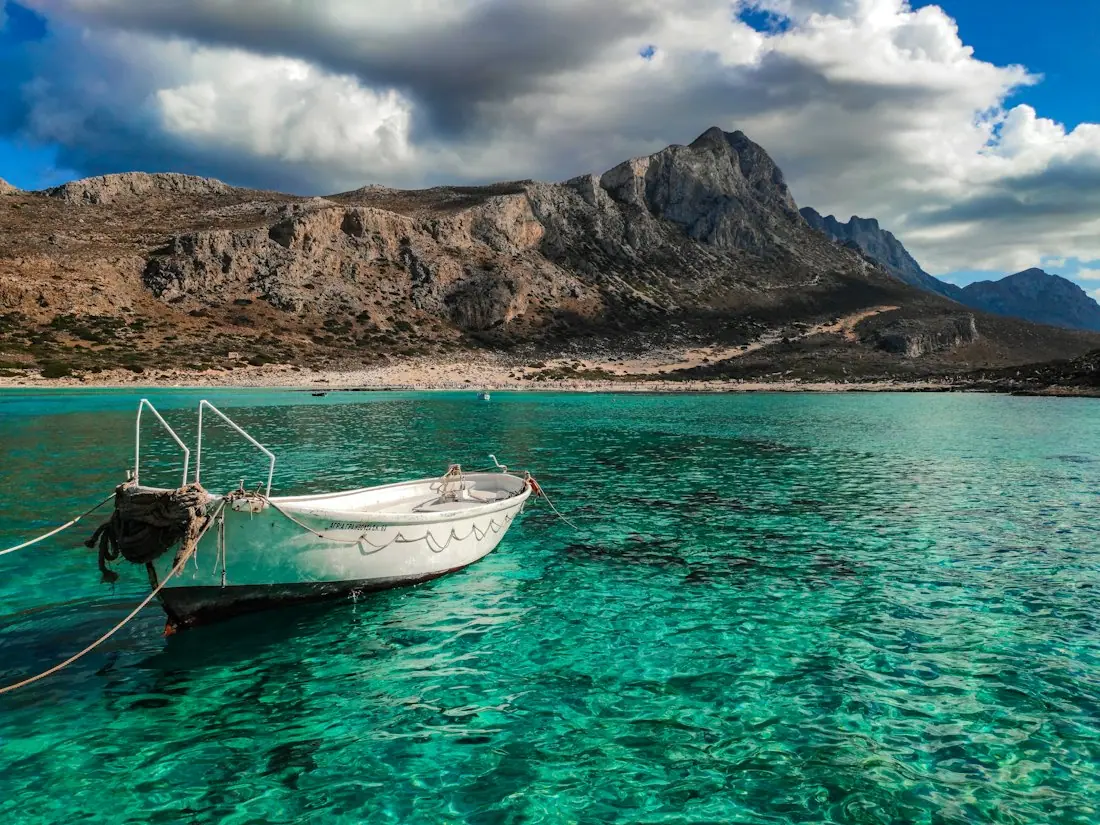
Crete
Sea · tavernas · nature
7 days for 2
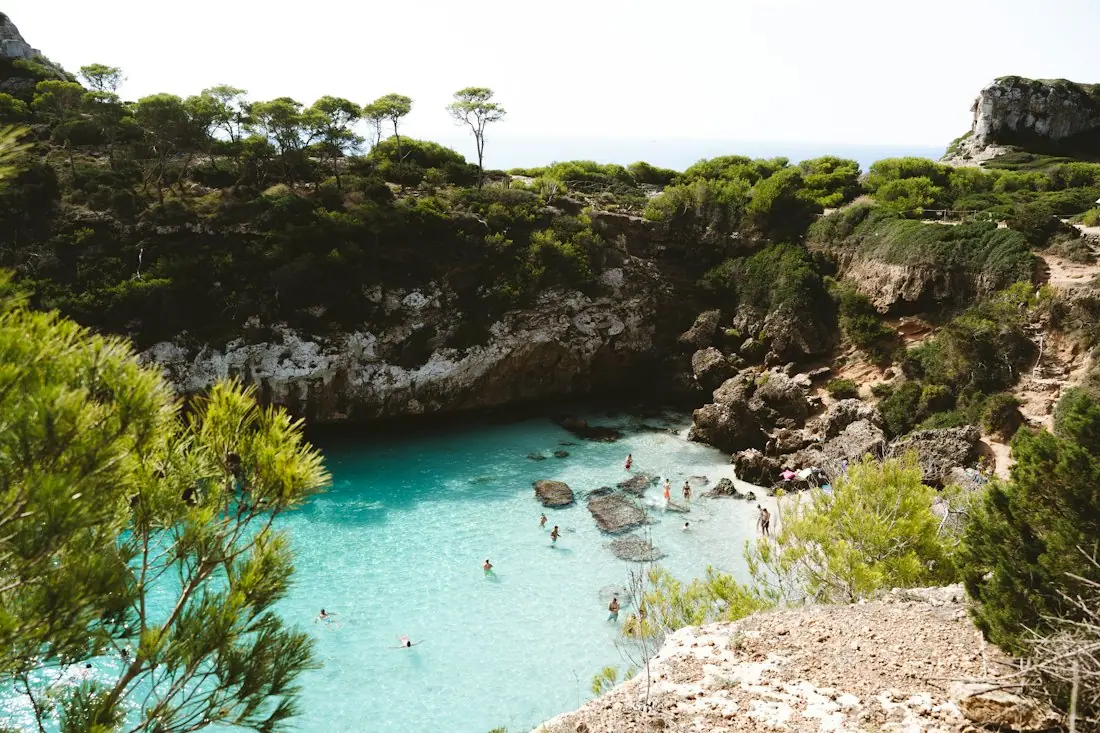
Mallorca
Sea · comfort · short distances
7 days for 2
Arrival, transfer, check-in, sunset, dinner. Just say “make it cheaper” or “no rental car” and the trip adapts.

Day 1
Arrival
Arrival in Heraklion Transfer · 35 minCheck-in by the sea
 Sunset
 Taverna at the harbor
Rain on the way? Then the beach day becomes a day at the market and a museum. Flight status, weather and your day plan in one place.

Day 3 · boat trip
Imagine starting with a family trip to Toronto in March break. From Toronto, the home airport is 20 km. From Vancouver, the same destination is 3,363 km. The distance helps frame the trip, while the map provides the local route and day structure without turning the plan into a calculation sheet.
 TorontoiPhoto: Taxiarchos228 · FAL · Wikimedia Commons
Toronto in March has a daytime temperature of -1 °C and a night temperature of -1 °C in the example data. The month records 6 sunshine hours and 12 rain days. The climate figures belong in the trip plan as useful context for clothing, daily activities and expectations, not as a promise about every afternoon.
You could choose a relaxed pace for a family, place indoor activities on the busiest days and keep outdoor stops grouped with the weather information in view. If dates are added later, each day card can show its weekday, live weather and live prices. The spreadsheet can still hold notes, but the plan now connects those notes to the route and the month.
TorontoiPhoto: Taxiarchos228 · FAL · Wikimedia Commons
A spreadsheet gives you a flexible format that you fill in by hand. That makes it a good choice when your group wants to control the structure, sort rows by preference and maintain a familiar record. A shared document offers a similar manual approach for notes, comments and collaborative edits.

HolidayWow fits when you want the plan to update itself as decisions change. You can speak or type one sentence, receive a map-first plan, edit stops through direct actions and keep the day order checked. The plan also brings in partner prices through live links or a Check live price button, rather than filling the page with an invented estimate.
There is room to use both styles of thinking. You can treat a spreadsheet as the record of one part of your trip and use HolidayWow as the working itinerary. The key difference is that the connected plan keeps the route, days, budget, booking links and sharing tools in the same trip.
Start with the destination, month, people and trip length. You can describe something such as a family vacation in a specific month, and the planner reads the main structure from your words. Dates are optional, so you can shape the route before every calendar detail is settled.

Next, select the pace that feels right. A balanced trip may suit a group with several activities, while a relaxed pace gives a family or an older traveller more room around each stop. From there, open the map, move a pin to another day or swap a place through the editable plan.
Add booking details from partners in your language and CAD. The trip budget works in your home currency, with price watch for stays and tours and cost splitting for groups. A packing list and checklist are built from the plan, month and climate, while the document vault keeps passports, tickets and confirmations with the trip they belong to.
Temperature, sea, sun and rain days for every month, measured, not guessed. You see how your trip will feel before you go.
Nonstop flights, flight times and transfers from 8 Canadian airports, worked out from your door to the hotel.

Flights, hotel, transfers and experiences in one sum for everyone traveling, with the provider and when the price was checked. No teaser prices.

A spreadsheet can record a budget, yet the figures often become stale as soon as a price changes. HolidayWow keeps the budget beside the plan and uses partner sources for stays, tours, transport and flights. The page shows live partner prices in CAD or gives you a Check live price button. Booking takes place inside the plan through partner links in your language and currency.
Price watch keeps stays and tours connected to your budget, while cost splitting gives groups a practical way to manage shared travel costs. The document vault keeps passports, tickets and confirmations with the trip. You do not need to copy every booking into a separate sheet and hope that the details stay in sync.
Yes. A spreadsheet is a flexible place to type an itinerary by hand. HolidayWow adds a map, editable days, connected stops, budget details, partner links and sharing tools, while still letting you adjust the plan as decisions change.
You can use a spreadsheet for personal records and HolidayWow as the working itinerary. The planner is useful when you want the route, day cards, prices, documents and group decisions to stay connected instead of living in separate files.
HolidayWow creates an editable map itinerary rather than a conventional grid. Describe the trip in one sentence or by voice, choose a pace and review each day on the map. You can then move stops, swap places and add details as the plan develops.
Yes. Stays, tours, transport and flights come from partners such as Booking.com, GetYourGuide, Viator, Trip.com and flight partners. The page shows live partner prices in CAD or provides a Check live price button. Booking links open in your language and currency.
Yes. You can drag a stop to another day, swap a place and make a day lighter. The plan checker re-orders the day after each change, and the side-panel assistant can make requested changes through the same planner actions.
Yes. Shared plans include roles for viewing and editing, plus comments and voting. Cost splitting, price watch and the same plan link help groups organize stays, tours, transport and other shared details.
The app is free to download and to plan with. You can use the planner to create a map-based itinerary, organize your days and share the trip, while partner prices appear live when a booking option is available.
Your next trip

Describe your trip in one sentence. When, who with and what matters to you.

Where it's warm right now, real fare finds from your airport, long weekends for your province and a ready-made trip to make your own.