Ten years of climate
Temperature, sea, sun and rain days for every month, measured, not guessed. You see how your trip will feel before you go.


Published 8 October 2026 · HolidayWow editors · Written with AI, numbers checked against our data ·
To plan a trip with AI, describe your destination, dates or month, group, pace and budget in one sentence or by voice. HolidayWow turns that brief into a map-based plan with daily routes, editable stops, climate information, live partner prices and booking links, while leaving you in control of every change.
Begin by telling the planner what you want from the holiday. A useful sentence includes the place, length, month, who is travelling and the type of holiday you have in mind. You could say, “Plan a week in Lanzarote in January for two adults who want a relaxed holiday by the sea,” or request a family trip with a slower pace. HolidayWow reads the place, month, group, pace and budget from your words and turns them into the starting point for the plan.
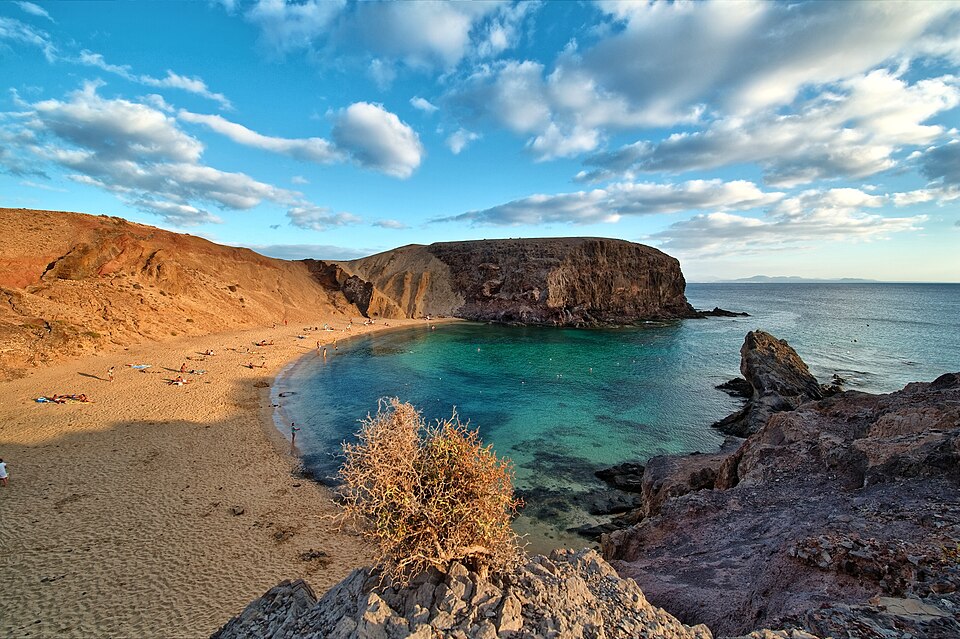 LanzaroteiPhoto: Lviatour · CC BY-SA 3.0 · Wikimedia Commons
Give the planner enough context for a useful first answer without filling every field yourself. Dates are optional, so you can start with a month and add exact dates later. This approach suits an early idea, a school-holiday search or a quick city break. Once dates are added, each day card receives its weekday, live weather and live prices, giving you a more useful structure for booking.
Think about who needs the plan to work for. Families may need a relaxed rhythm and time for meals. Friends may prefer several stops in one day. A solo traveller may value a simple route and easy editing. The request becomes more precise when it names these priorities.
LanzaroteiPhoto: Lviatour · CC BY-SA 3.0 · Wikimedia CommonsThe first draft is map first, which makes it easier to understand. Every day becomes a route, every stop appears as a pin, and each leg shows its travel time. Instead of reading a long list with no sense of position, you can check how the day fits together and notice where a transfer or a change of base may affect the pace.


HolidayWow can also plan from your home to the trip itself. The door-to-door view can include the ride to the airport, the flight and the transfer to the first stay. This gives you one place to review the journey before you commit to the arrangements. The map also becomes a useful shared reference when everyone in the group needs to understand the shape of the holiday.
The map is especially helpful when a trip has several bases. You can see where each day is centred and whether the route reflects the way you want to travel. If a stop sits awkwardly beside another activity, select it and ask for a change through the side-panel assistant or edit the plan directly.
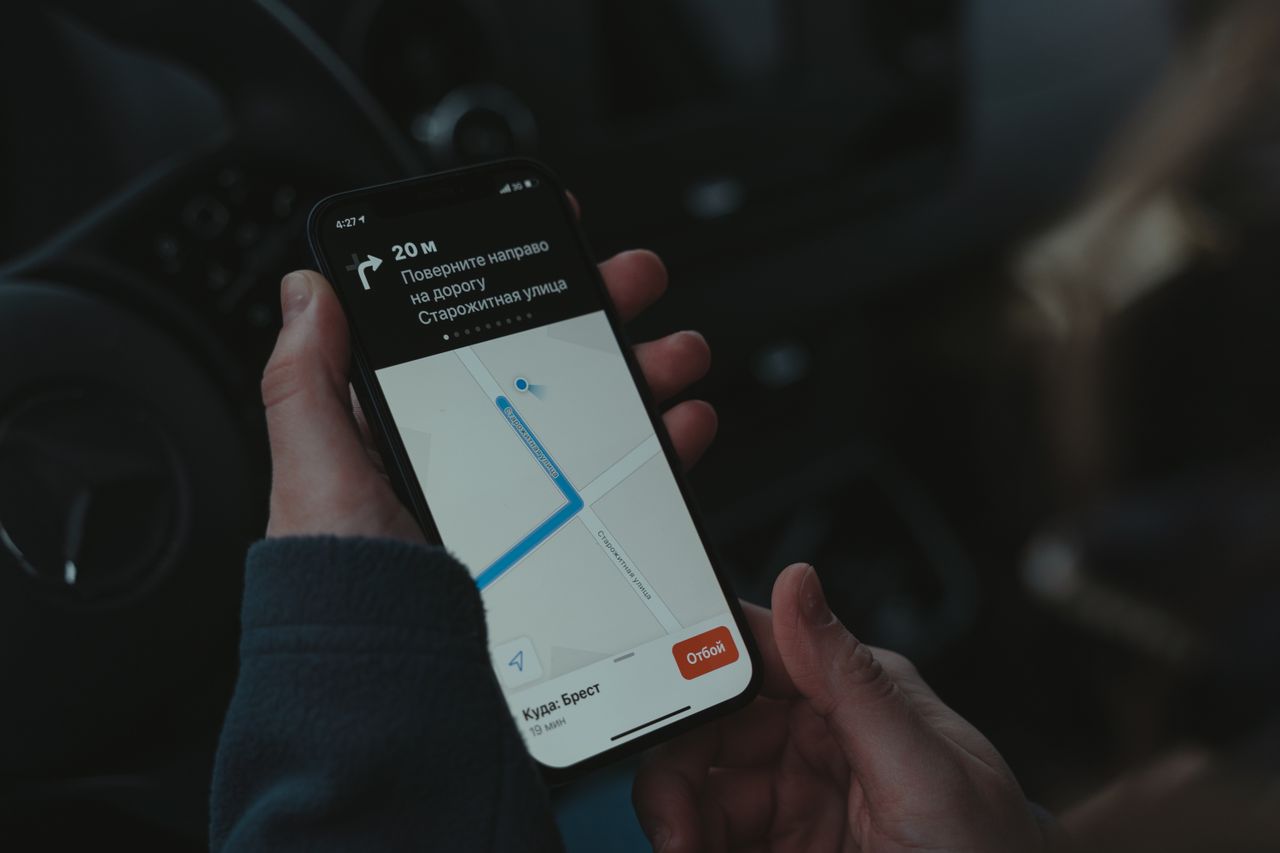
Climate information helps you turn a vague destination idea into a holiday that suits the month you have in mind. HolidayWow provides day and night temperatures, sea temperatures, sunshine hours and rain days for each month. The information comes from NASA POWER for air data covering 2006 to 2025 and NOAA OISST for sea data covering 1991 to 2020, so you can make a more informed choice when you type your request.
 LondoniPhoto: Diliff · CC BY-SA 3.0 · Wikimedia Commons
 Prague
For example, January in Lanzarote has a daytime temperature of 19 °C, a night temperature of 17 °C, a sea temperature of 19 °C, 7 sunshine hours and 3 rain days. From London Heathrow, the example is 1,693 miles away, while London Gatwick is 1,679 miles away. Those figures give the AI planner a concrete seasonal context for a winter sun holiday.
Try another brief in June for a UK break, September for Berlin or July for Prague. The UK example has daytime and night temperatures of 17 °C and 13 °C, 9 sunshine hours and 13 rain days. Berlin in September has daytime and night temperatures of 21 °C and 11 °C, 5 sunshine hours and 8 rain days. Prague in July reaches 26 °C by day and 14 °C at night, with 7 sunshine hours and 15 rain days. Ask the planner to reflect those conditions in its pace and daily structure.
LondoniPhoto: Diliff · CC BY-SA 3.0 · Wikimedia CommonsPragueNew trip


When, who with, what matters and what's a no. No form, no ten filters. HolidayWow understands the dates, budget, departure point, pace and wishes from one sentence.

New trip
Every idea comes with a total price and a clear answer to why it fits you: weather, flight time, beaches, food, short distances.

Your trip ideas
Sicily
Food · small towns · sea
7 days for 2
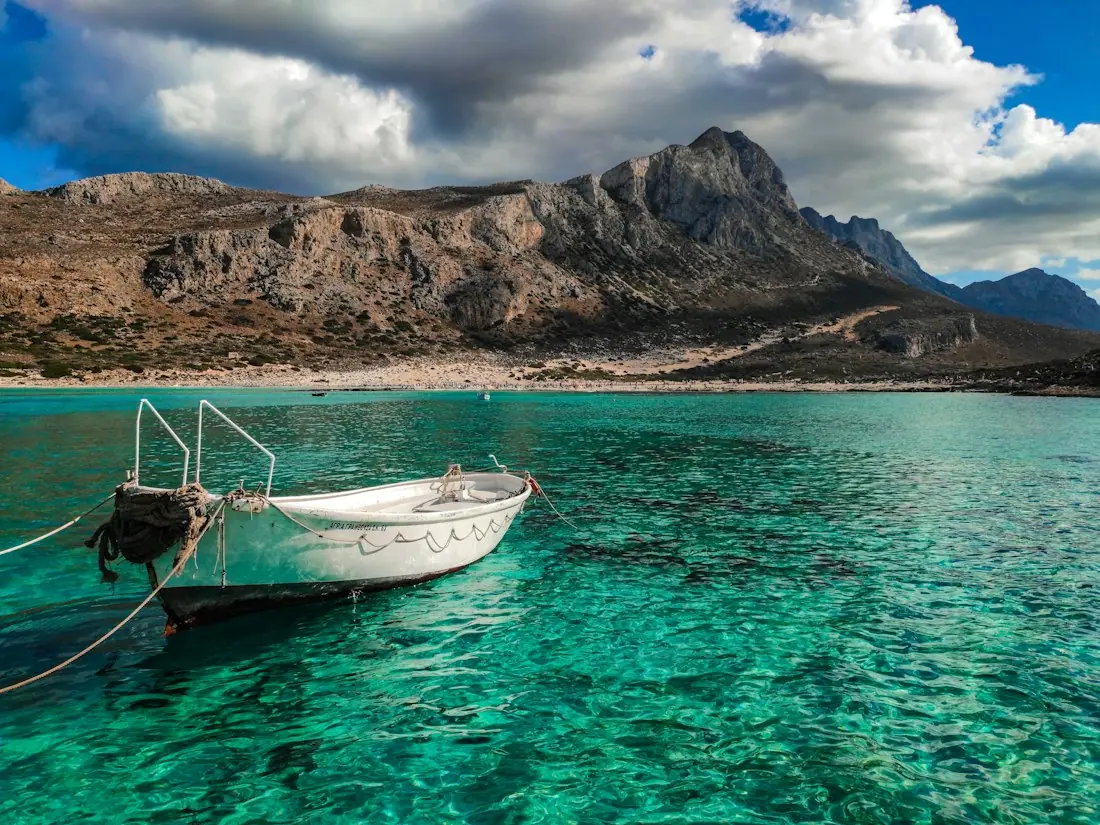
Crete
Sea · tavernas · nature
7 days for 2

Mallorca
Sea · comfort · short distances
7 days for 2
Arrival, transfer, check-in, sunset, dinner. Just say “make it cheaper” or “no car hire” and the trip adapts.

Day 1
Arrival
Arrival in Heraklion Transfer · 35 minCheck-in by the sea
 Sunset
 Taverna at the harbour
Rain on the way? Then the beach day becomes a day at the market and a museum. Flight status, weather and your day plan in one place.

Day 3 · boat trip
Once the route exists, adjust the pace rather than trying to force every idea into the same day. HolidayWow offers a relaxed pace with 1 to 2 stops a day, a balanced pace with 2 to 3 stops and a packed pace with 3 to 5 stops. You can set the pace for the whole trip or change it for a particular day when one day needs more breathing space.

For a family holiday, start with a relaxed or balanced rhythm and let the map show the practical movement between activities. For a city break, a packed day may suit a short window, while a second day can be lighter. You can move a stop to another day, swap a place, or ask the assistant to make a day easier. The plan checker re-orders the day after each change.
Use the assistant with a specific request: “Move the museum to the first morning,” “Make this day more relaxed,” or “Keep the beach nearby.” The assistant knows the day, stop or selected moment and makes the change through the same actions as the buttons. You remain the person deciding whether the revised day feels right.

An AI plan gives you a strong starting point, then you check the details that affect your money and time. Stay, tour and transport options come from partners such as Booking.com, GetYourGuide, Viator, Trip.com and flight partners. The page shows the live price, or a “Check live price” button, rather than presenting an invented estimate.
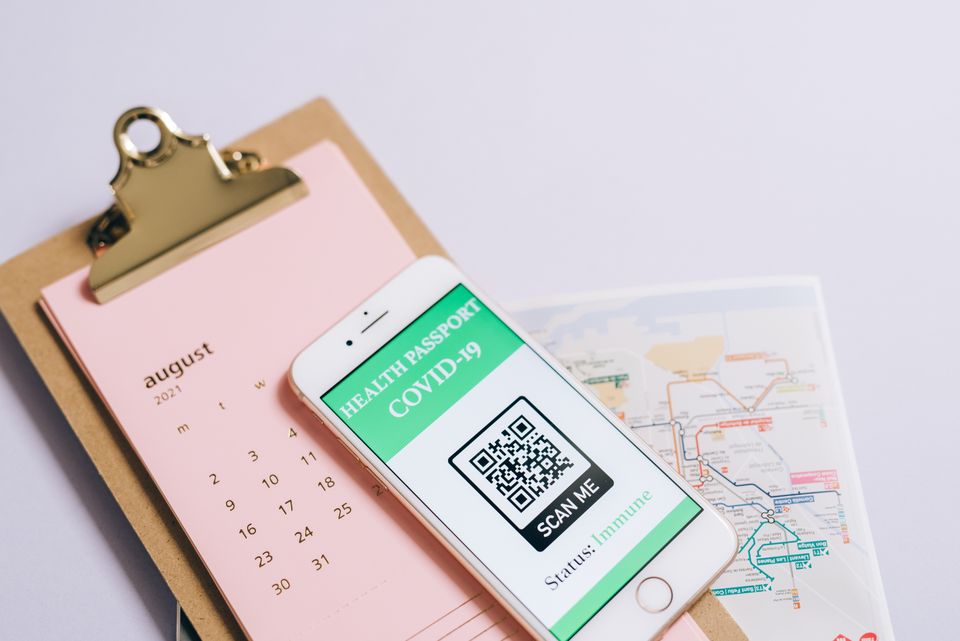
Booking takes place inside the plan through partner links in your language and currency. That keeps the route, the accommodation choices and the booking action in one place. If a stay does not suit the map, return to the itinerary and review another option. The planner can also keep a trip budget in your home currency, with price watch for stays and tours and cost splitting for a group.
Prices are shown live by the page, so compare the current options as you make the decision. Do not rely on a remembered figure from an earlier search. Check the dates, room or activity details, cancellation information and the connection between the booking and the day on your map before you confirm anything.
For a UK traveller, the timing of a holiday often matters as much as the destination. The Bank Holiday planner turns public holidays and leave days into longer trips from official holiday data. You can use it to shape a short break, connect leave with a public holiday and check the practical shape of the journey before you begin.

School-holiday periods are another useful starting point. The market brief includes half term, Easter holidays, summer holidays and Christmas holidays, along with a typical 28 days of leave. Put the period into your prompt and describe who is travelling. “Plan a half-term trip to the Algarve with two kids” gives the planner a clear family context from the start.
Add exact dates when they are settled. The planner can then attach the weekday to every day card and bring in live weather and live prices. You can also share the result with family members, give people viewing or editing roles, and let the group vote and comment on the route.

Temperature, sea, sun and rain days for every month, measured, not guessed. You see how your trip will feel before you go.
Direct flights, flight times and transfers from 9 UK airports, worked out from your door to the hotel.

Flights, hotel, transfers and experiences in one sum for everyone traveling, with the provider and when the price was checked. No teaser prices.

A trip becomes easier to manage when everyone has the same information. HolidayWow shares one plan through a link, with roles for who can view and who can edit. Group members can vote and comment, which helps when a family needs to choose between a cultural day, a beach afternoon or an extra evening out.

The trip film presents the plan as a short film on the map, including the flight arc, the bases and each day. It gives the group a shared picture of the route and can be shared as part of the planning conversation. Use it to review the shape of the holiday, then return to the day cards for practical changes.
HolidayWow also creates a packing list and checklist from the plan, the month and the climate. A document vault keeps passports, tickets and confirmations with the trip they belong to. Large text and voice input make the app comfortable to use when you want to dictate a request or read the plan with more ease. The app is free to download and to plan with.
Start with the essential trip facts, review the map and then refine the days. Write one sentence that names the destination, month or dates, group and preferred pace. Read the first route from home to the first stay, check the climate information and select a live price for the items that matter to you.
Next, edit the plan around the way you actually want to travel. Choose relaxed, balanced or packed days, move stops and ask the assistant to re-order a day after a change. Invite the people joining you, assign roles and collect votes. Keep the packing list, checklist and documents in the same plan so the practical work stays connected to the route.
For a UK holiday, include Bank Holidays and school breaks in the brief when they matter. A trip can begin with an idea such as a week in Lanzarote, a city break in Berlin or a family holiday in Barbados, then become a plan you can share, review and book. HolidayWow gives the structure while you make the choices.
Describe the destination, month or dates, group size, budget and preferred pace in one sentence or by voice. HolidayWow turns that brief into a map-based plan with routes, stops, climate information, live prices and partner booking links.
Give the planner the place, length of stay, month or dates, who is travelling, the type of holiday and your preferred pace. Adding your budget and priority interests gives it a clearer brief while you keep control of the final choices.
Yes. You can drag a stop to another day, swap a place, change a day to a lighter pace and ask the side-panel assistant to make changes. The plan checker re-orders the day after each edit.
HolidayWow shows live prices from partners for stays, tours, transport and flights, or provides a “Check live price” button. Booking links work in your language and currency and are placed inside the plan.
HolidayWow provides monthly day and night temperatures, sea temperatures, sunshine hours and rain days. Air data comes from NASA POWER and sea data comes from NOAA OISST, helping you choose a month and set a suitable travel pace.
Yes. Share one plan link with viewing and editing roles, invite comments and let group members vote. The plan also includes cost splitting, a shared budget, packing lists and a document vault for tickets and confirmations.

Your next trip

Describe your trip in one sentence. When, who with and what matters to you.

Where it's warm right now, real fare finds from your airport, bank holiday breaks for your nation and a ready-made trip to make your own.